

Version Management
After a configured workflow has been triggered at least once, if you want to modify the workflow's configuration or its nodes, you need to create a new version before making modifications. This also ensures that when reviewing previously triggered workflow history execution records, they are not affected by future modifications.
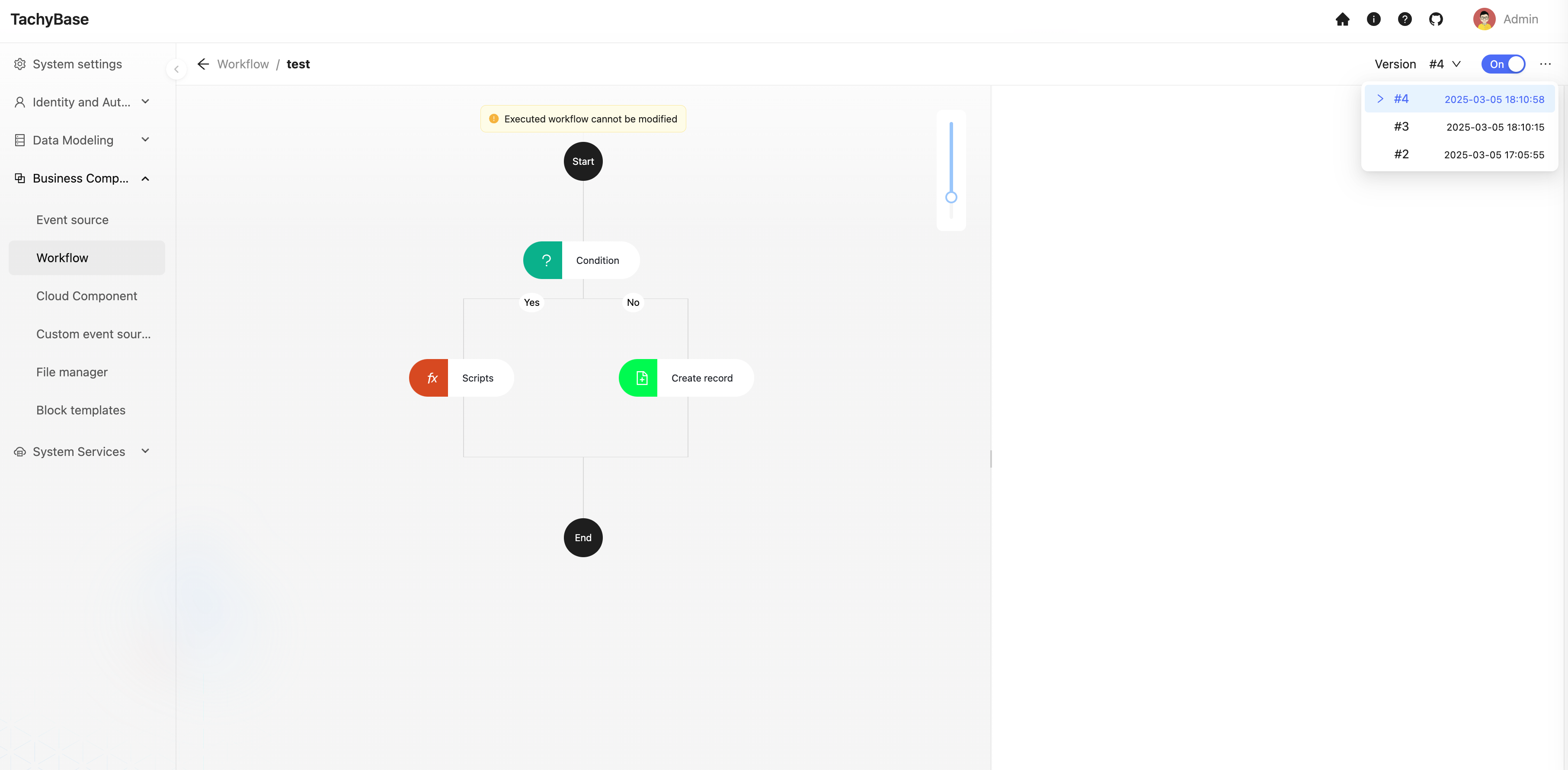
On the workflow configuration page, you can view existing workflow versions in the version menu in the upper right corner:
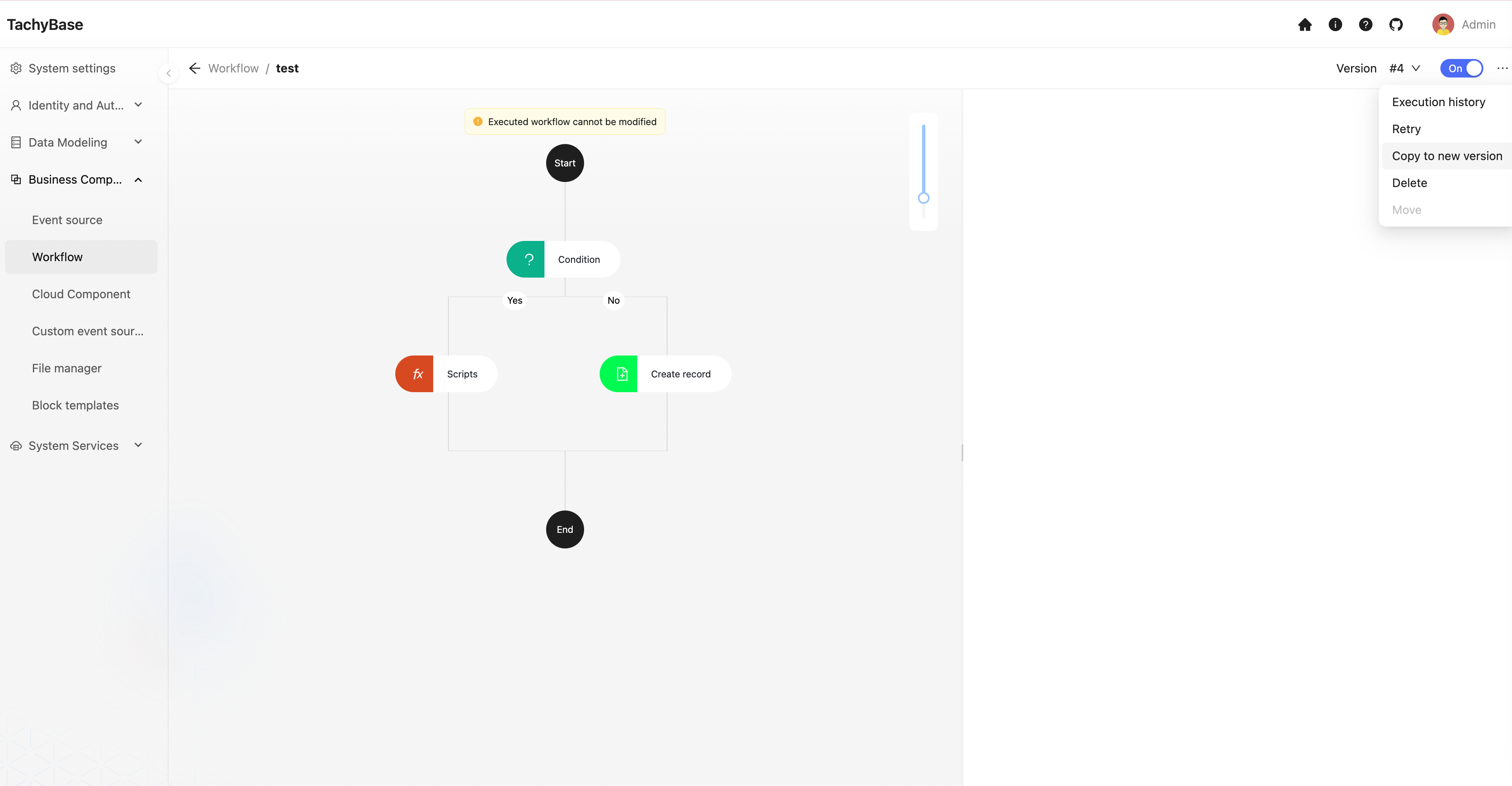
In the more operations ("…") menu to its right, you can choose to copy the currently viewed version to a new version:
After copying to a new version, click the "Enable"/"Disable" switch to switch the corresponding version to the enabled state, and the new workflow version will take effect.
If you need to reselect an old version, switch from the version menu, then click the "Enable"/"Disable" switch again to switch to the enabled state. The currently viewed version will take effect, and subsequent triggers will execute the corresponding version's process.
When you need to disable the workflow, click the "Enable"/"Disable" switch to switch to the disabled state, and the workflow will no longer be triggered.
Different from "Copying" a workflow in the workflow management list, workflows that are "Copied to a new version" will still be grouped under the same workflow, just distinguishable by version. But copying a workflow will be treated as a completely new workflow, unrelated to the previous workflow's versions, and the execution count will also reset to zero.