

Interface Configuration Mode
The interface configuration mode is WYSIWYG (What You See Is What You Get). Click the interface configuration button to switch between configuration mode and usage mode.
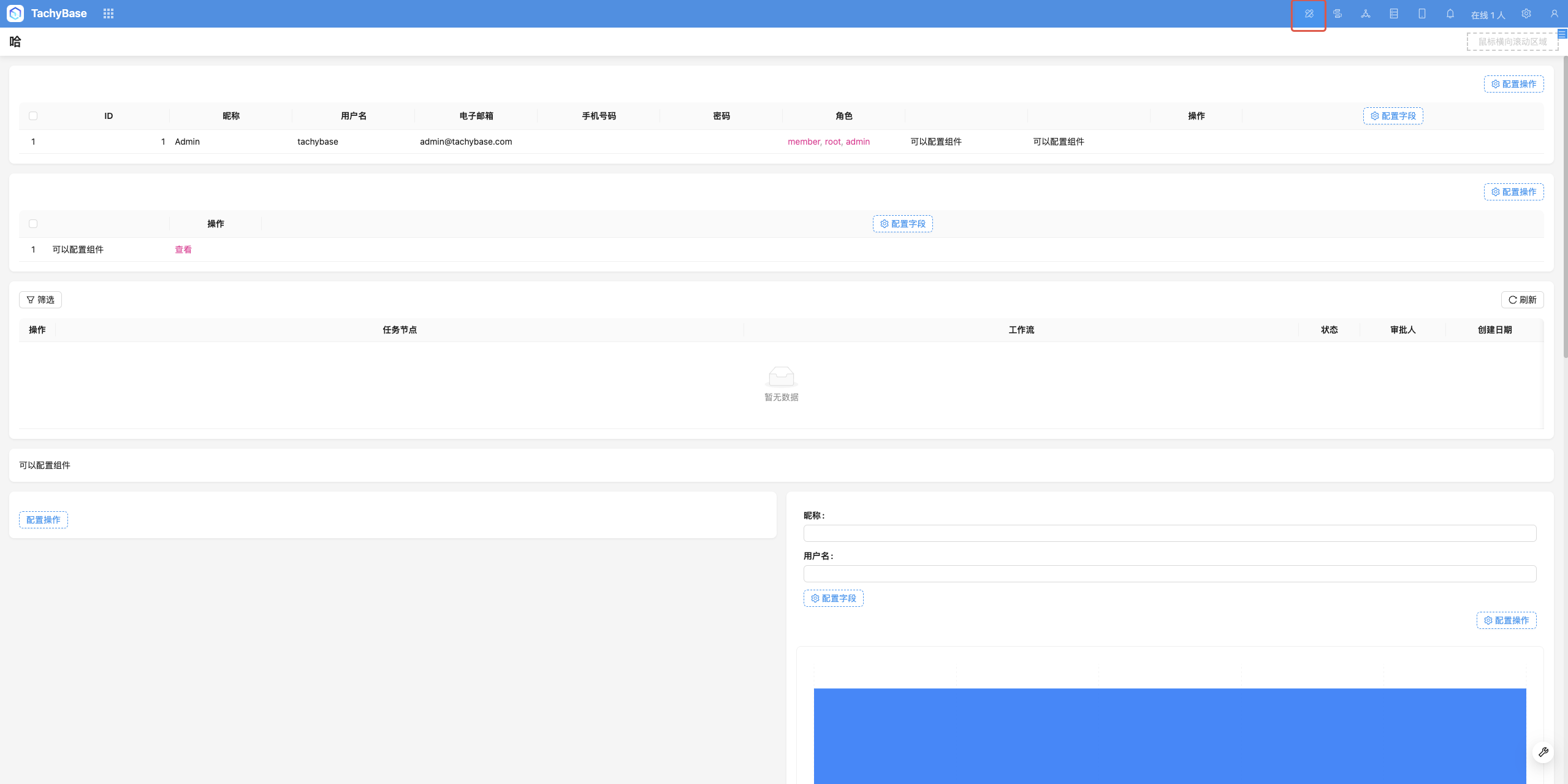
Mode Switching
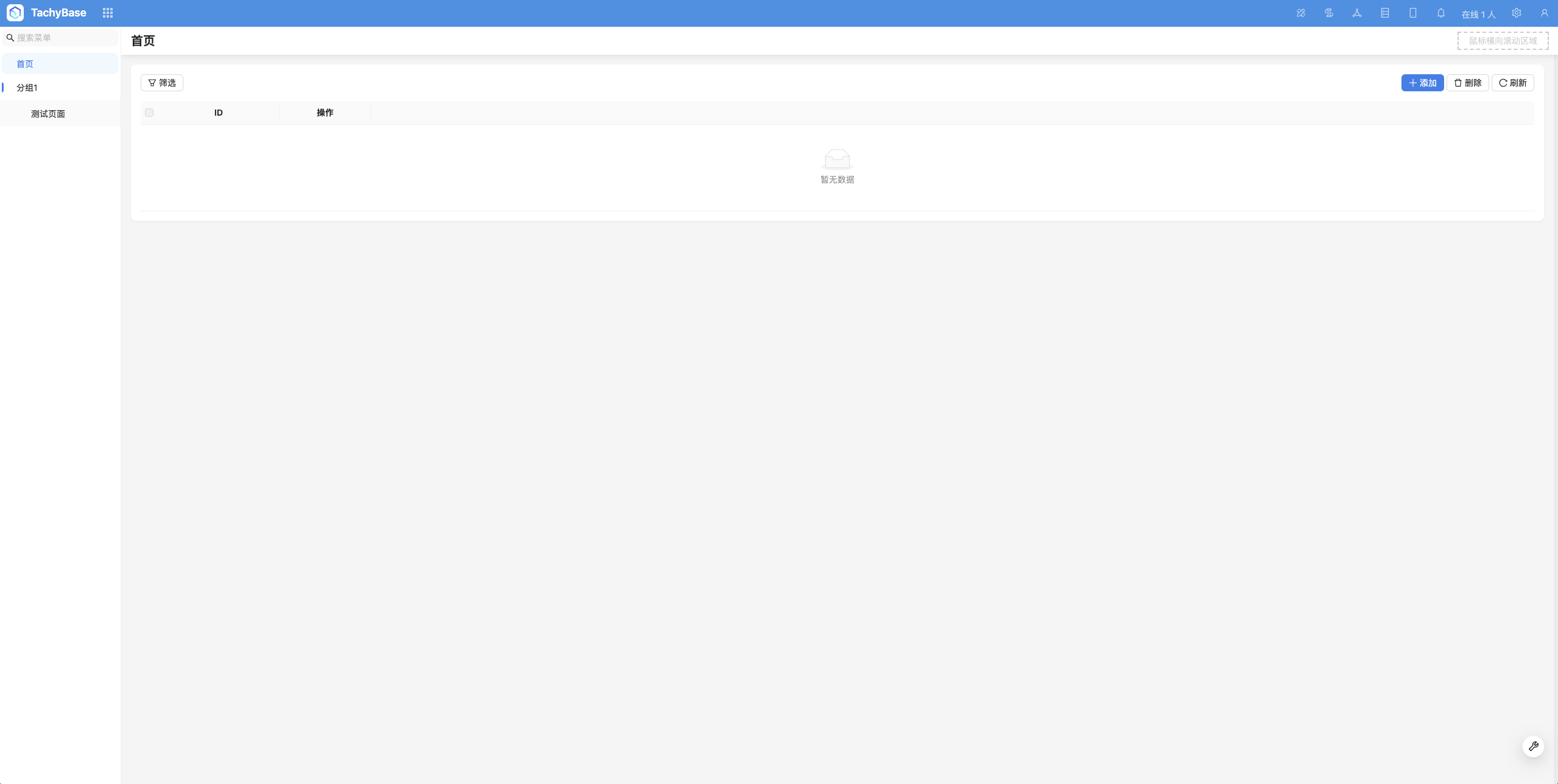
Usage Mode:
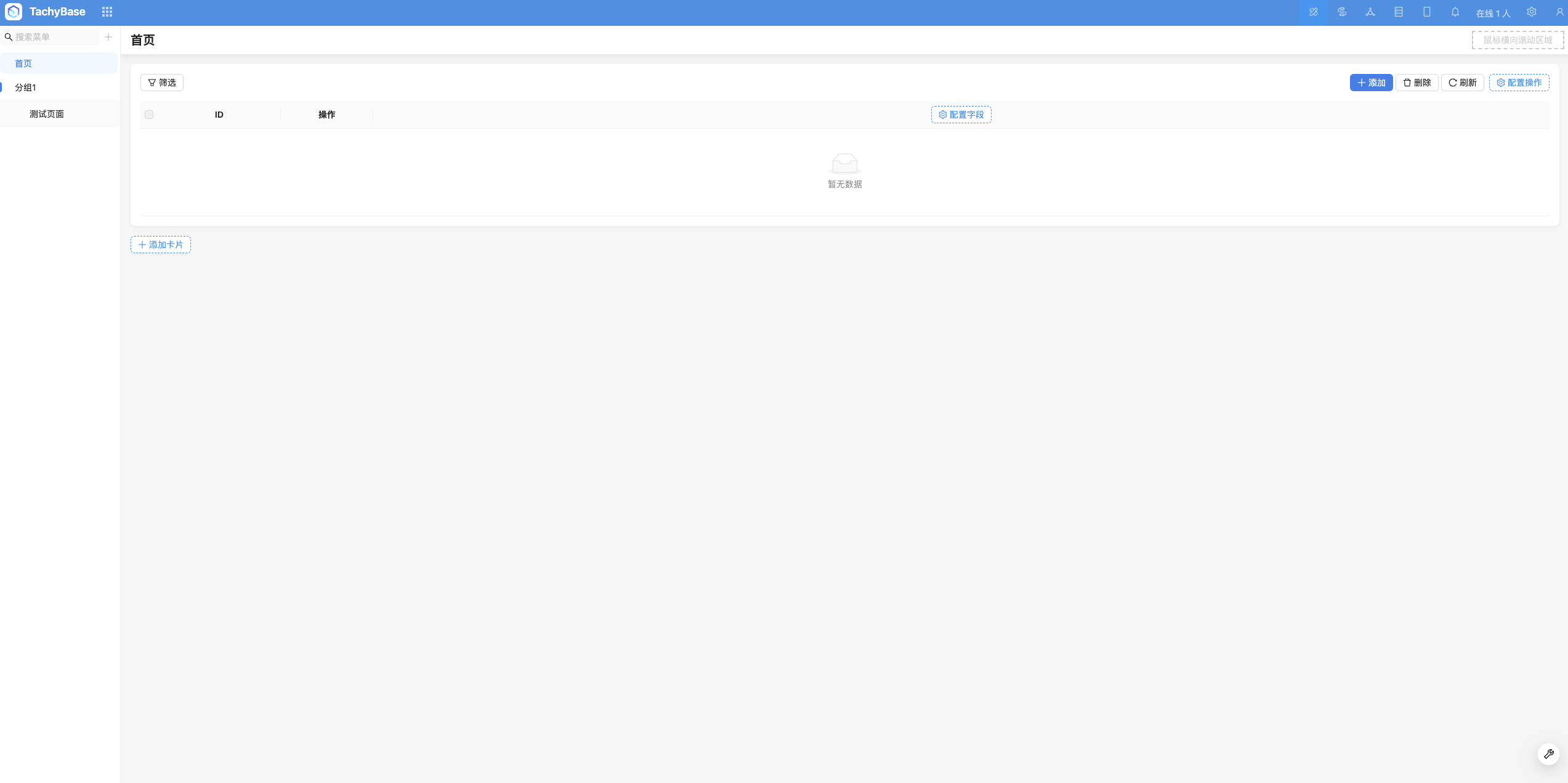
Configuration Mode:
Configuration Items
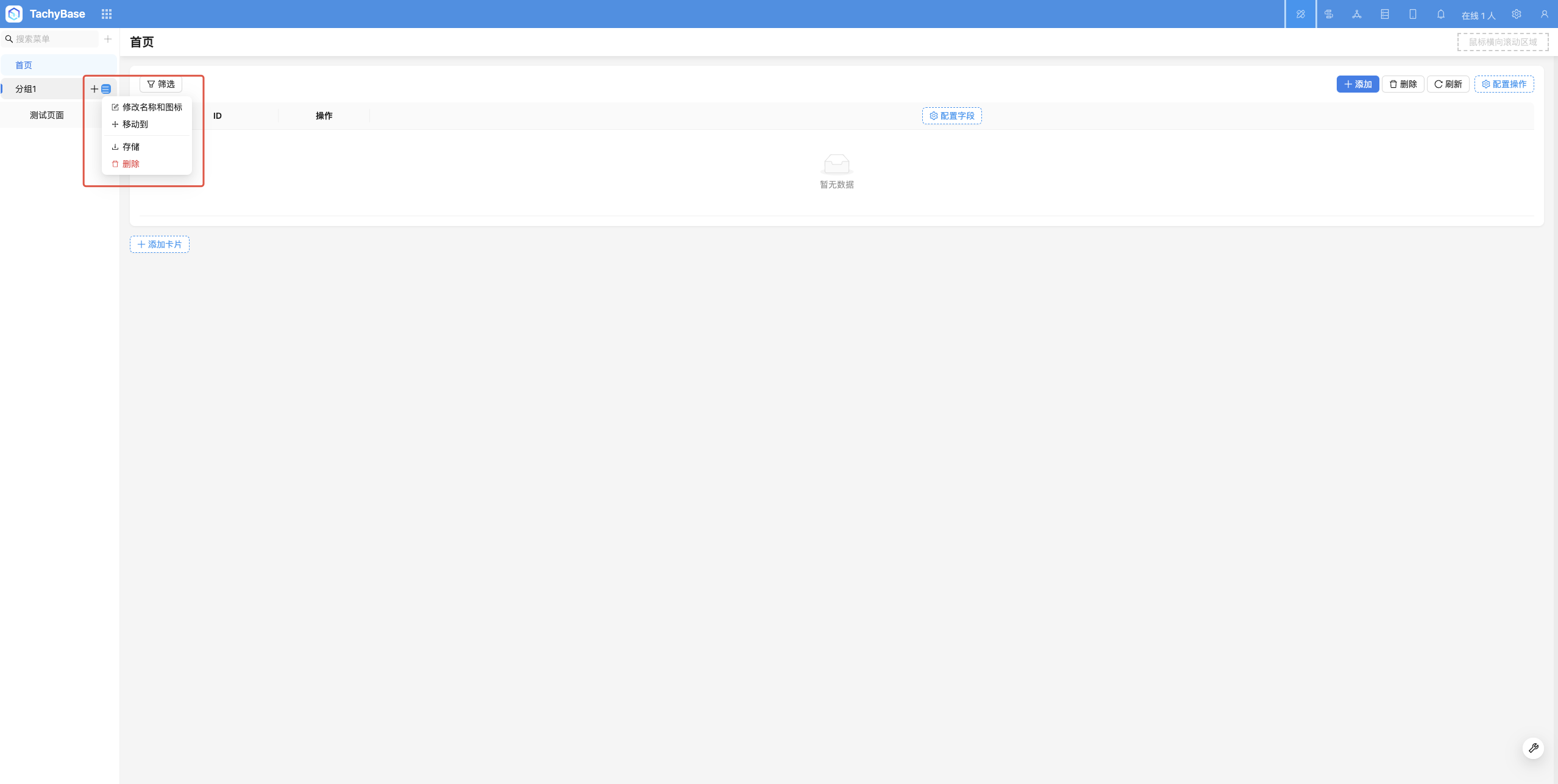
After entering interface configuration mode, configurable items will appear on the interface. Almost all elements can be configured and viewed in real-time on the interface. Here are a few examples:
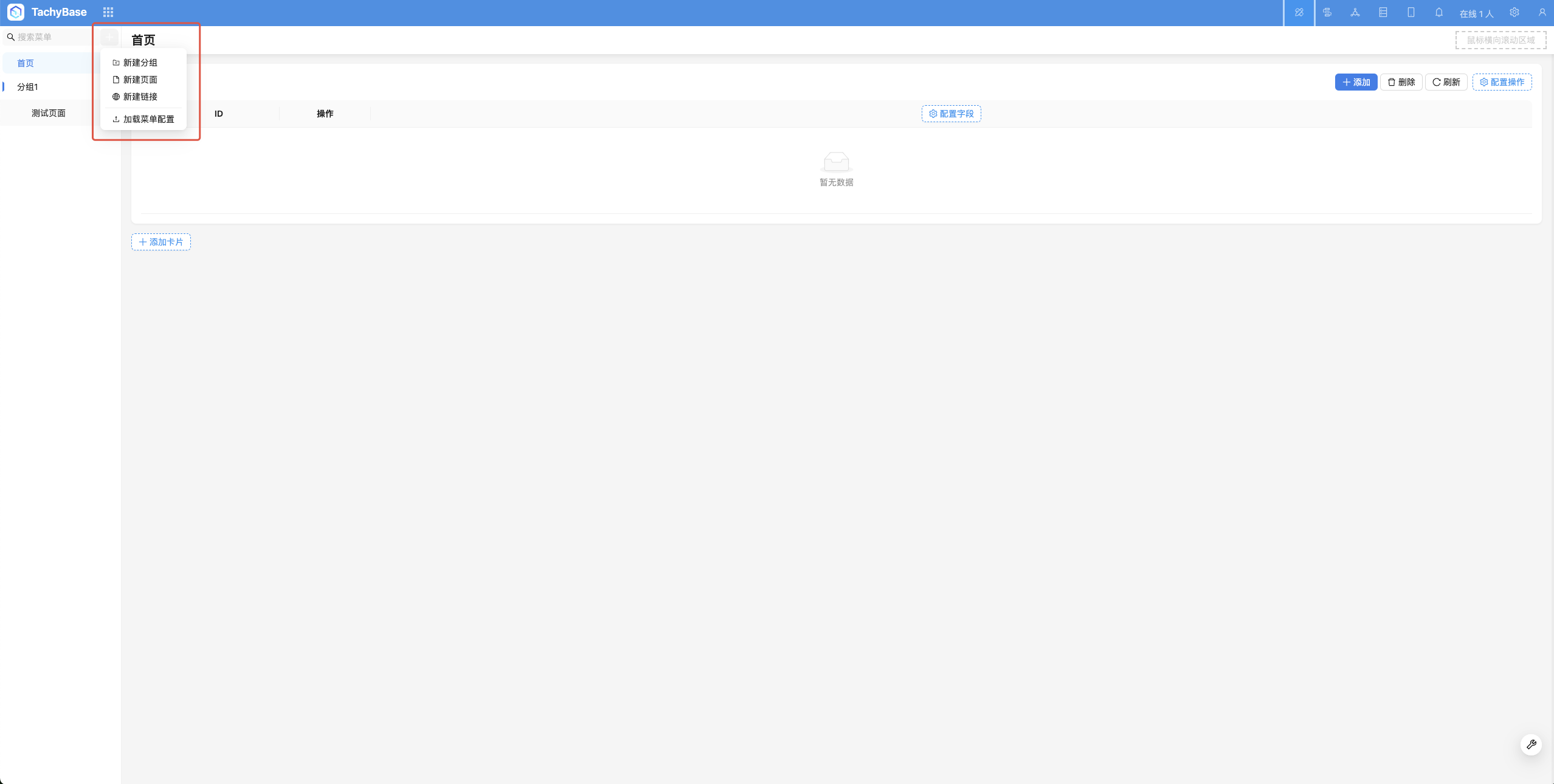
Menu Configuration
Total visits times Total visitors times Total reading times. Powered by Tego Team