Menu
Menus are used to organize pages and external links. In Tachybase's default page layout template, menus are located at the top and on the left side. The top is the first-level menu, and the left side is the second-level and unlimited levels of sub-menus.
Menu Item Types
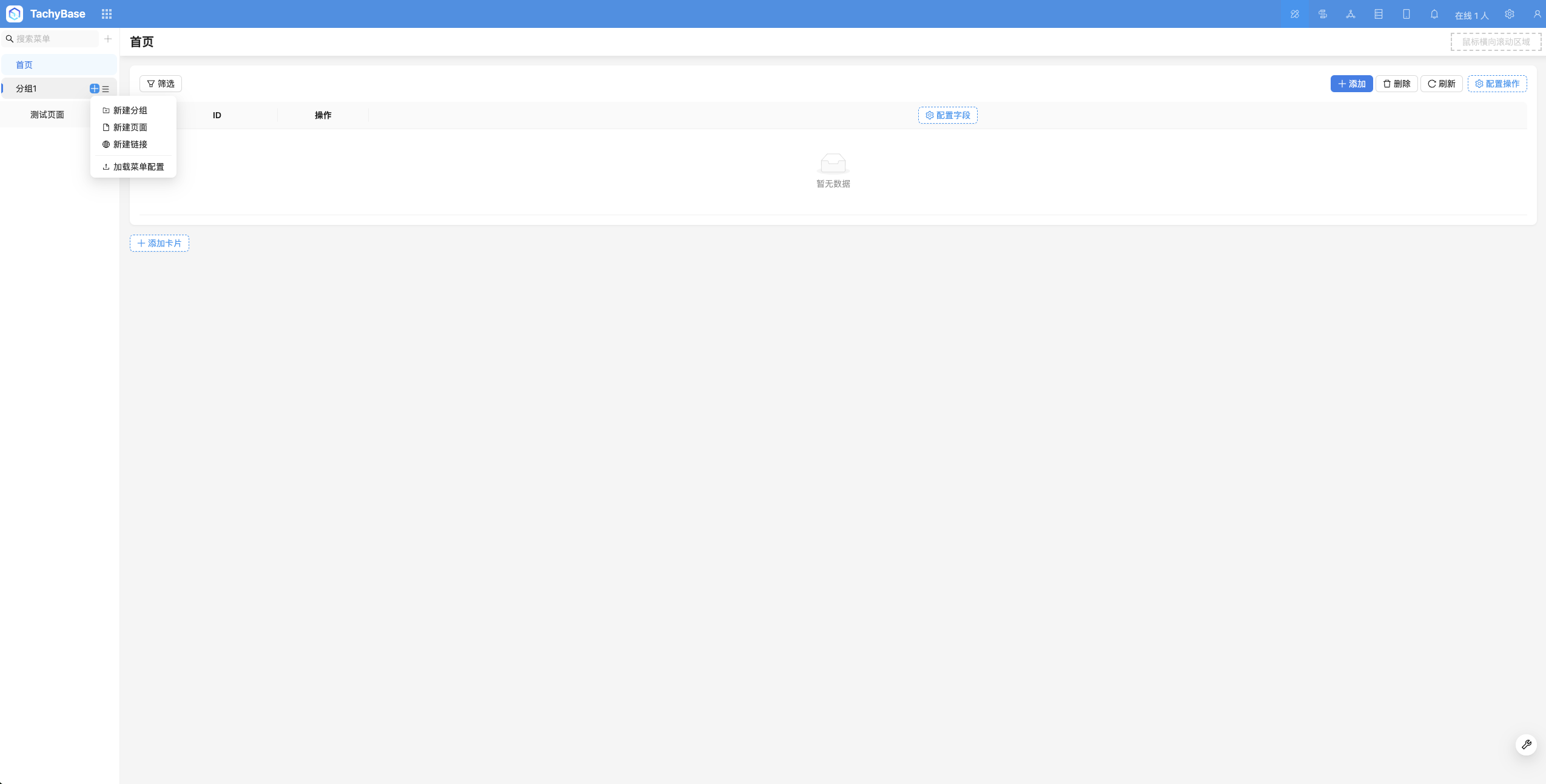
Tachybase has three built-in menu item types:
- Group
- Page
- Link
Group
"Group" is used to group menu items. It can be located at the top or on the left side. Within a group, you can continue to create groups, meaning menus can have unlimited levels.
Page
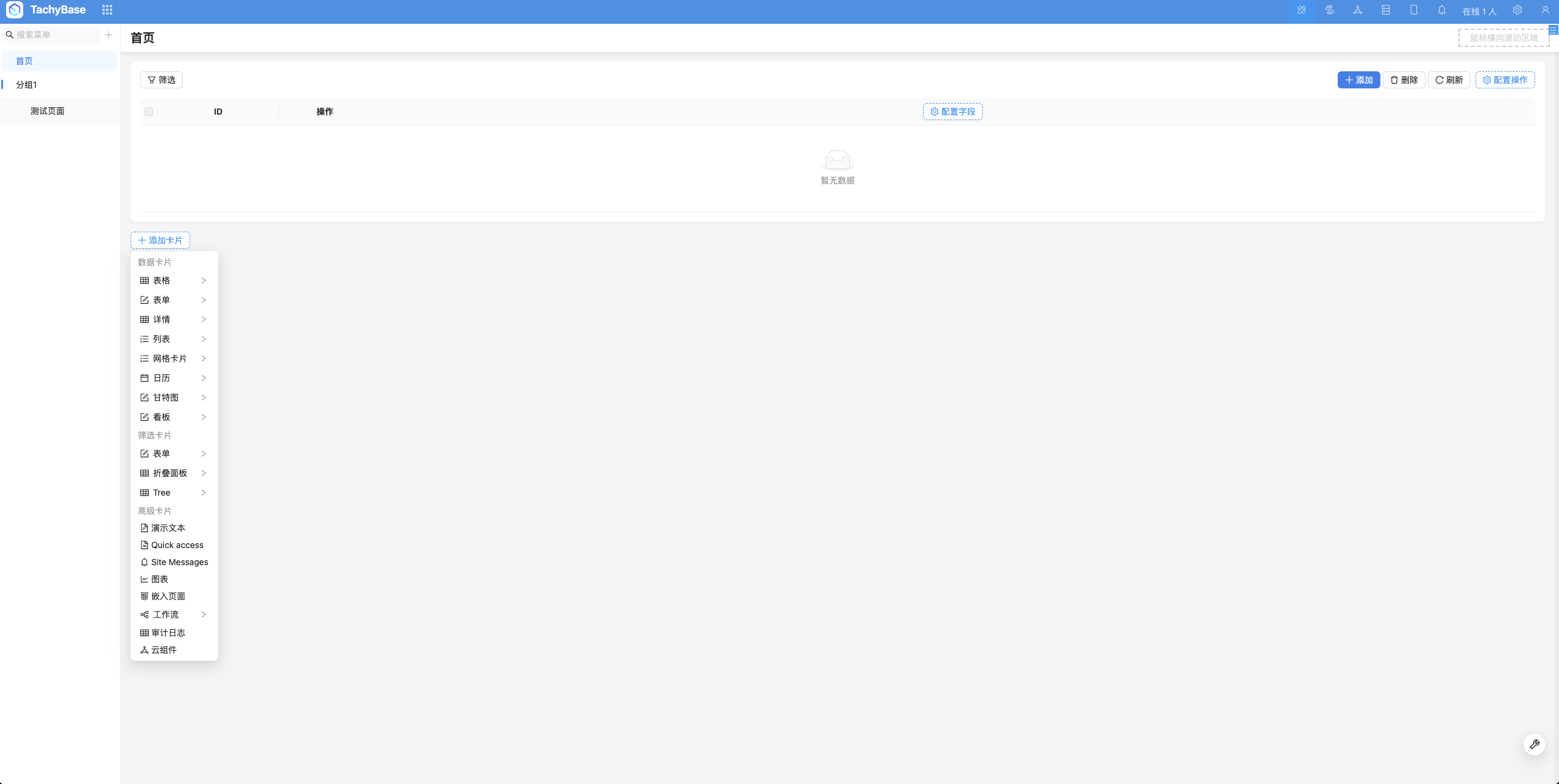
Pages can serve as containers for blocks, placing various blocks. (See Page for details)
Link
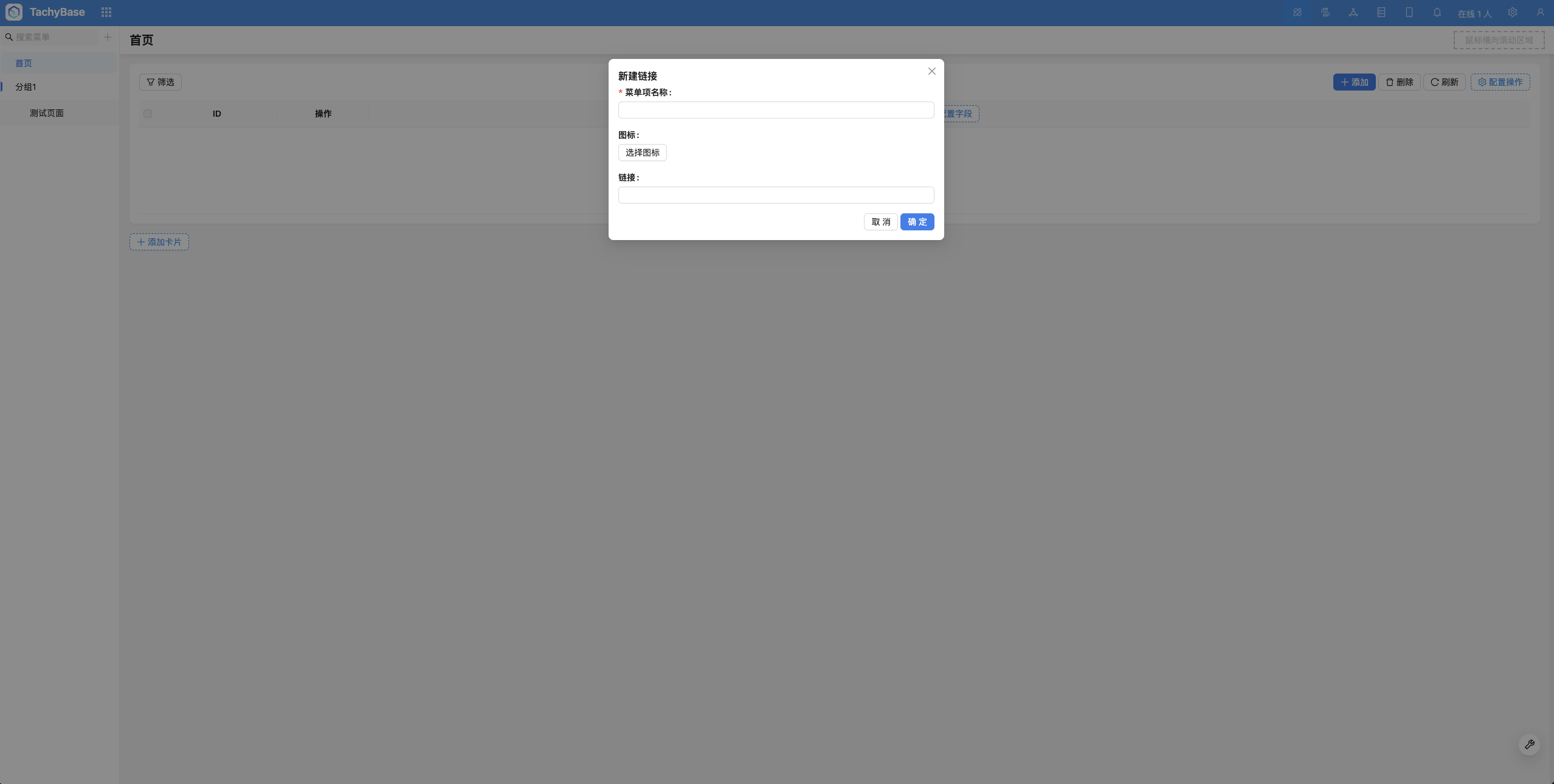
Can jump to third-party URLs
Configure Menu
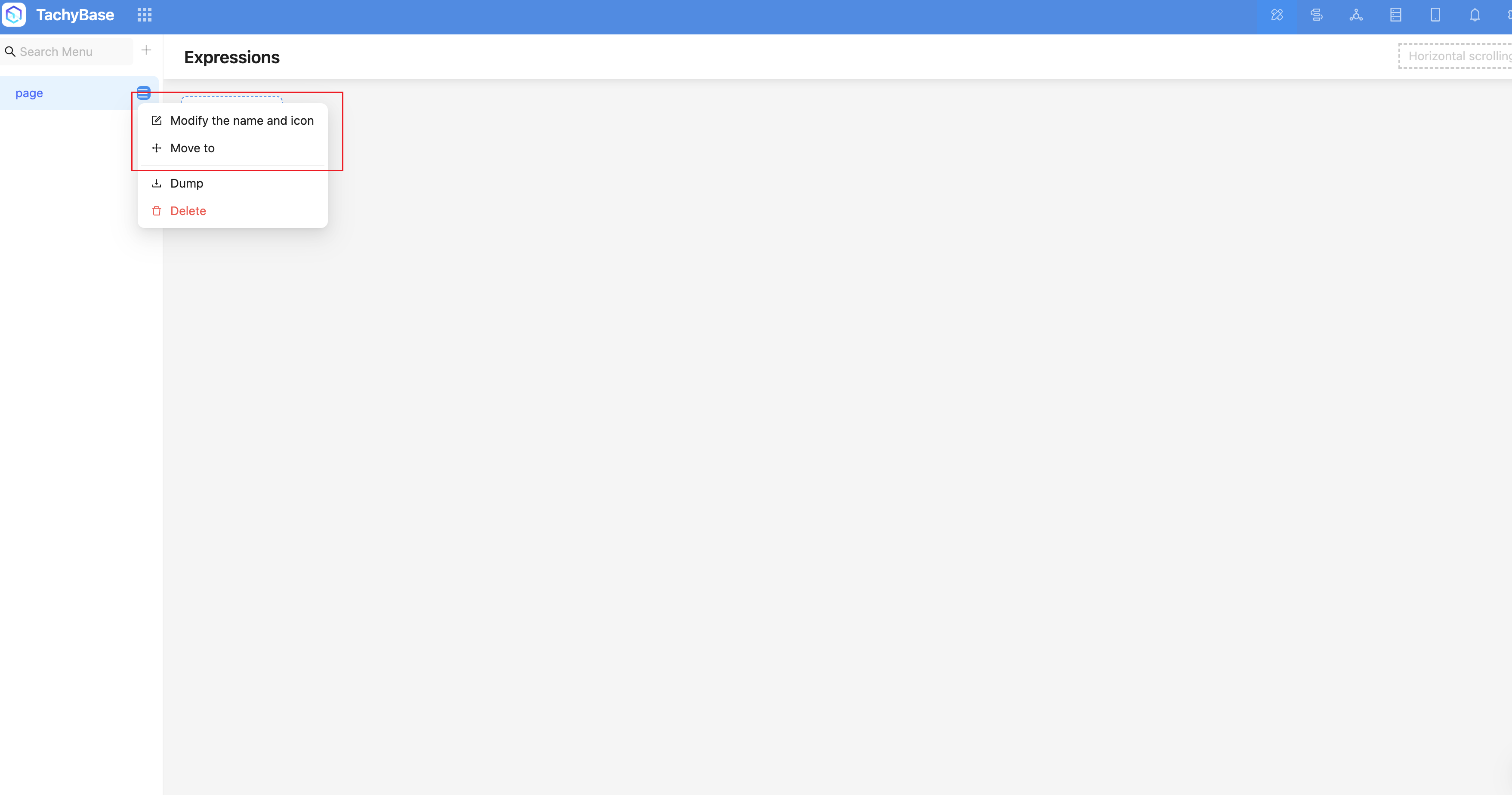
After entering interface configuration mode, two icons are expanded on the right side of the menu item:
Edit: Including the menu item's title, icon, etc.
Move to: In addition to drag and drop movement, you can also quickly move menu items through "Move to". You can move menu items to before, after, or inside other menu items.
Delete