

Sub-form
Overview
Sub-form is suitable for scenarios where relationship data is created first and then associated. Multi-level relationship data is clearly displayed through nested form format. Unlike data picker and dropdown selector, sub-form can directly maintain relationship table fields in blocks on the current page, and relationship data is submitted together with the main table.
Usage Instructions
- To-many relationship field sub-form
Supports nested display of multi-level relationship fields, such as products and parts.
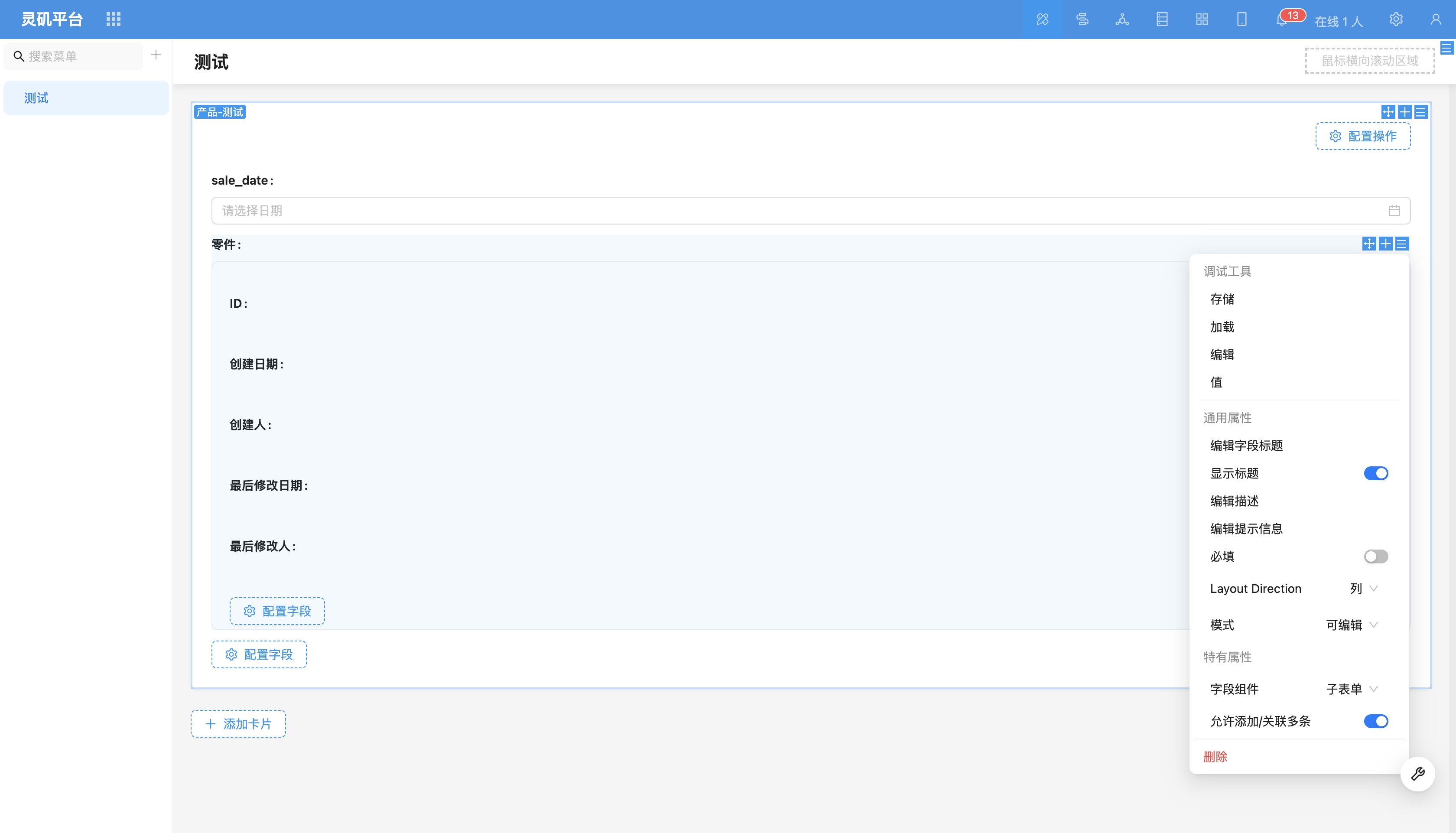
- To-one relationship field sub-form Suitable for one-to-one relationship field configuration.
Field Configuration Items
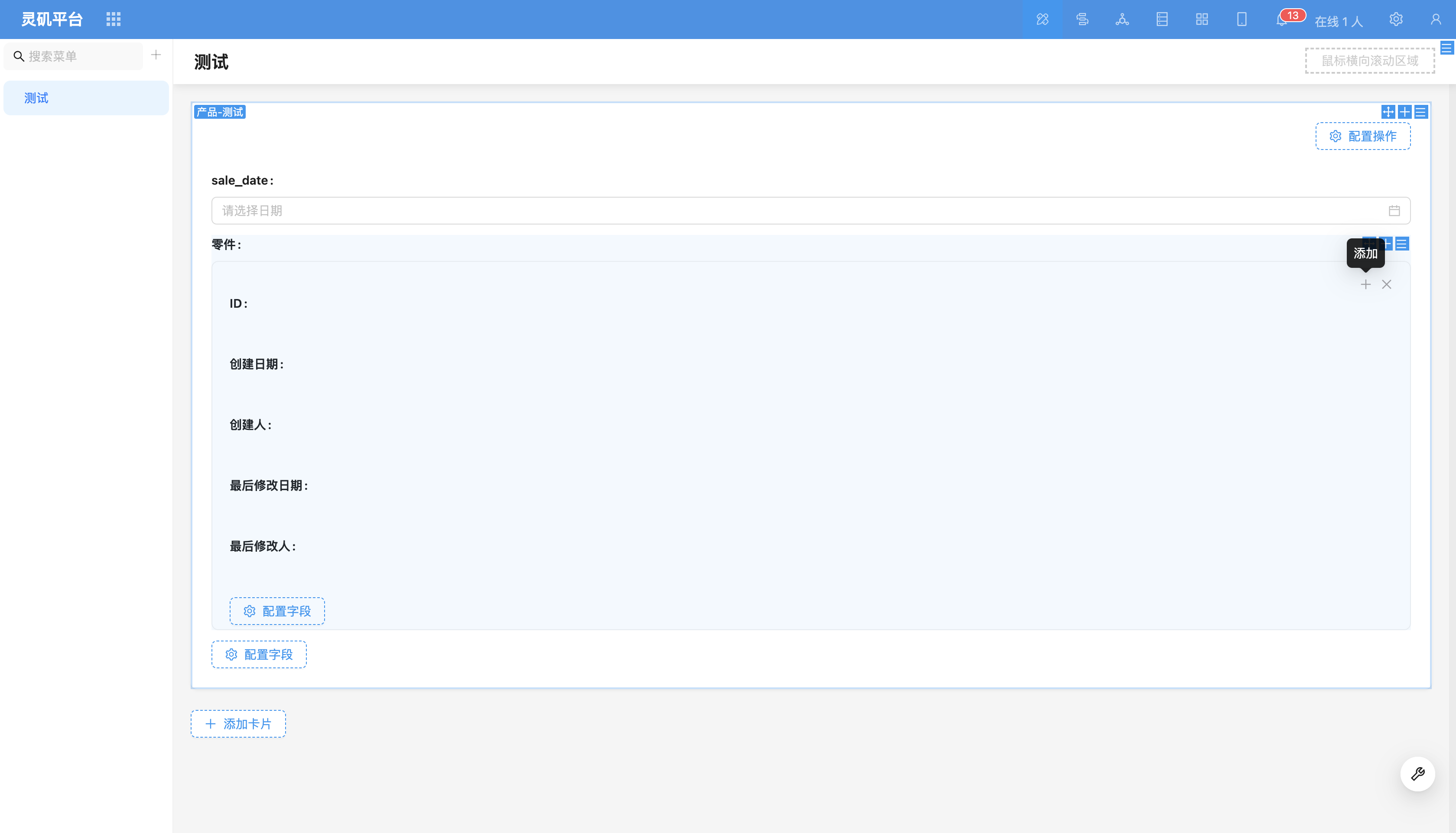
Allow Add/Associate Multiple (enabled by default)
After enabling this function, users can add multiple records by clicking the "+" sign.
Field Component
Supports switching to other relationship Field Components, such as dropdown select, data picker, etc.
Total visits times Total visitors times Total reading times. Powered by Tego Team