

Operation Configuration
Depending on the context type configured in the workflow, the operation button configuration in different blocks also differs.
No Context
v.1.6.0+
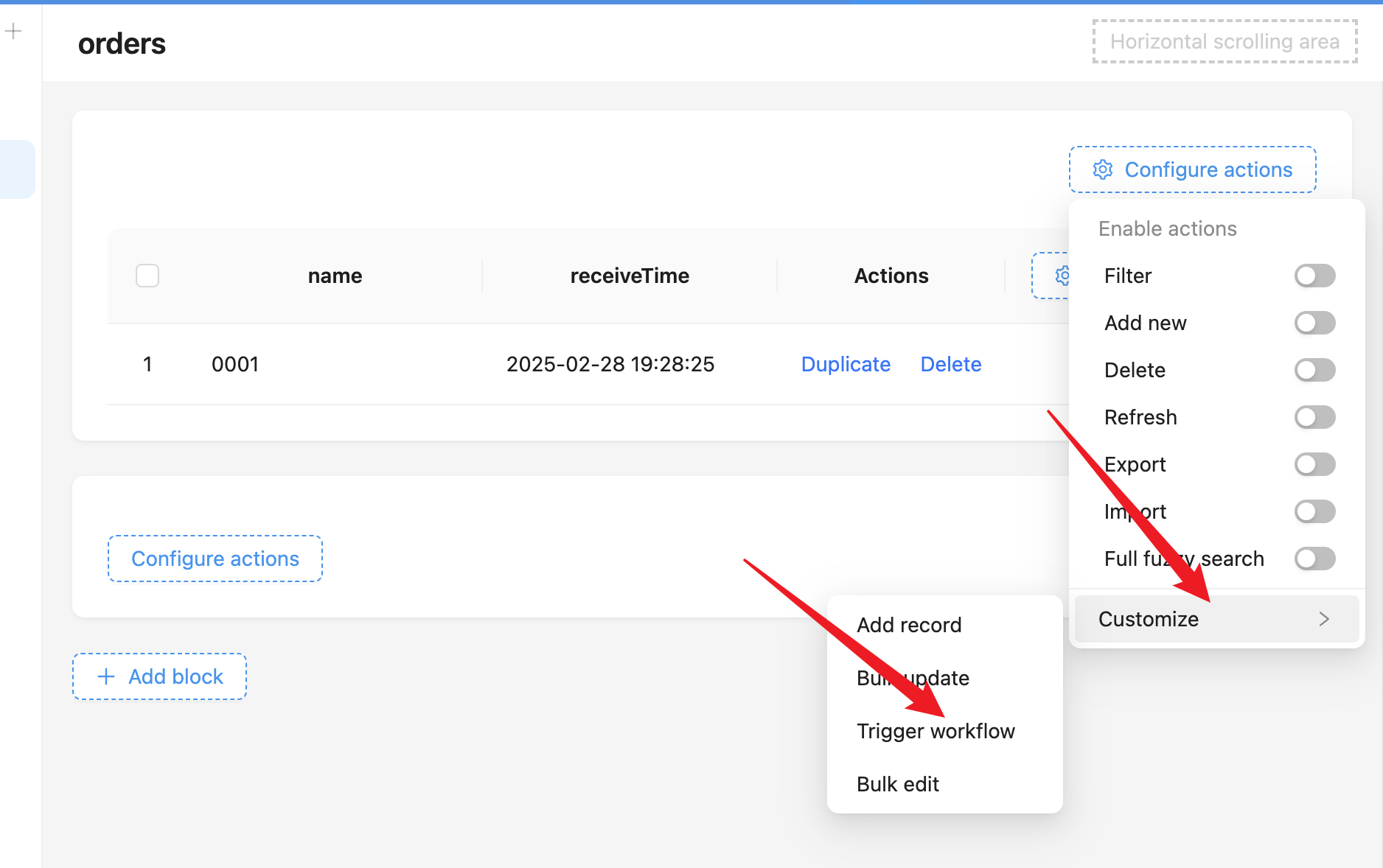
In action panels and other data blocks, "Trigger Workflow" buttons can be added:
After adding the button, bind the previously created context-free workflow. Taking the button in the action panel as an example:
Single Row Record
In any data block, "Trigger Workflow" buttons can be added to the operation bar for single row data, such as forms, table data rows, details, etc.:
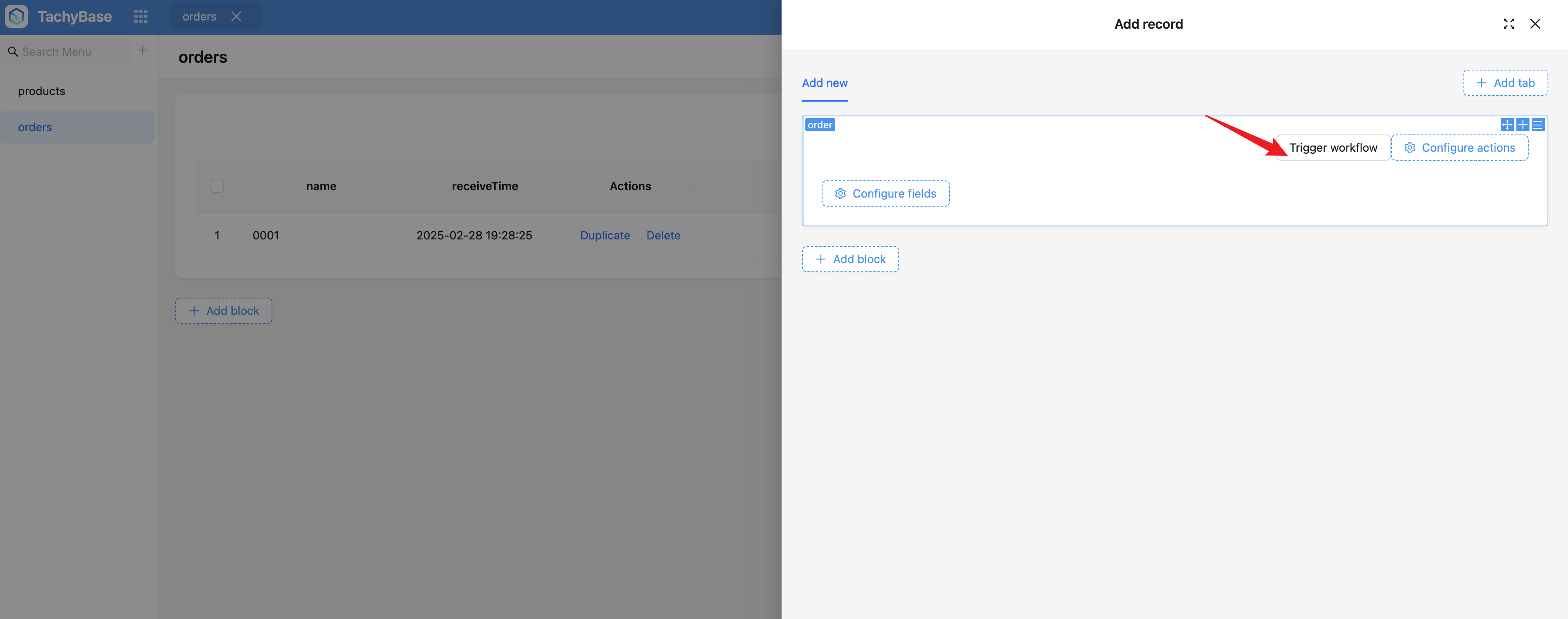
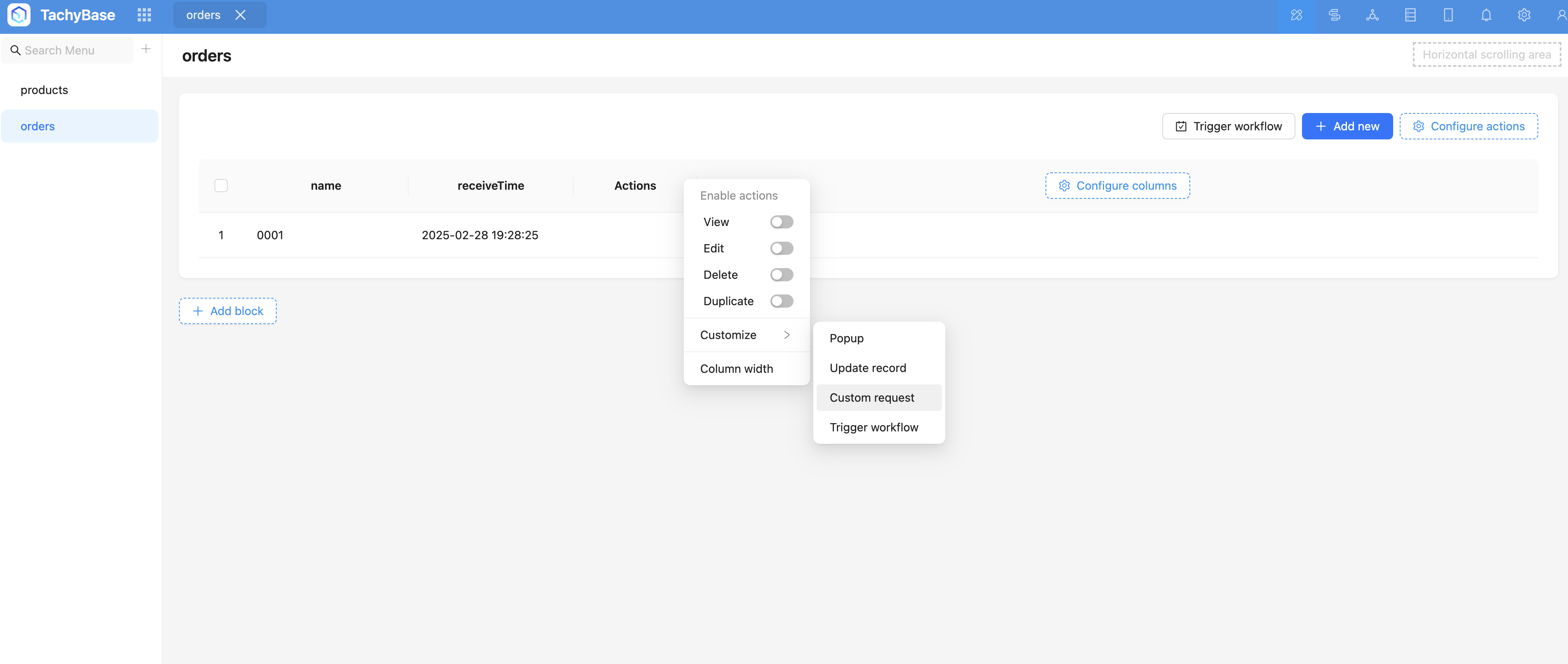
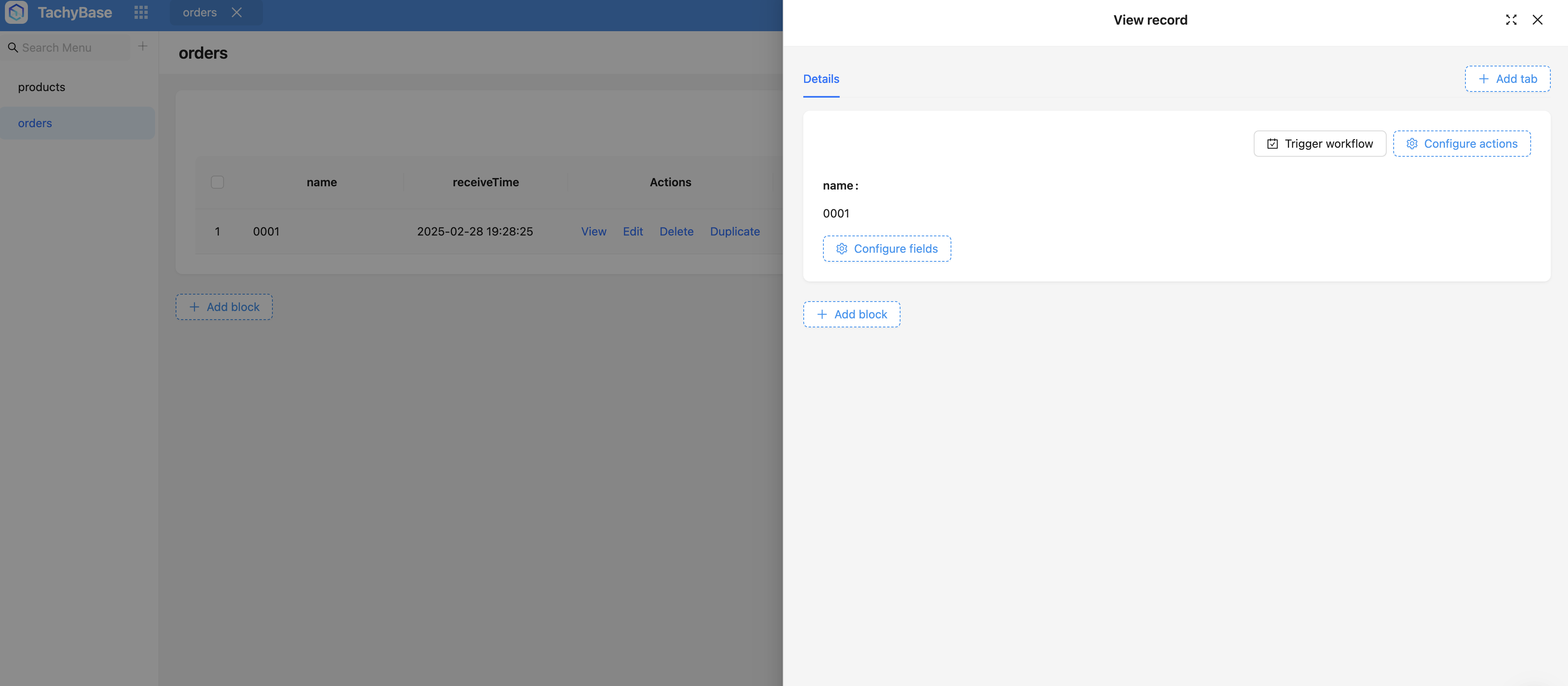
After adding the button, bind the previously created workflow:
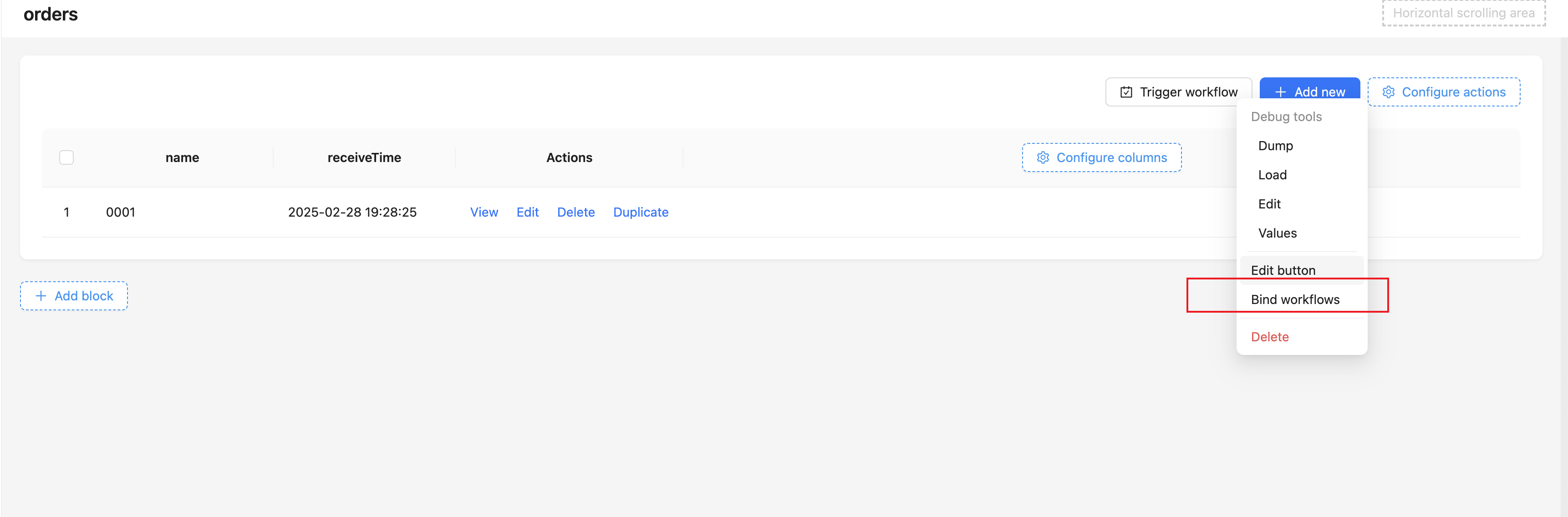
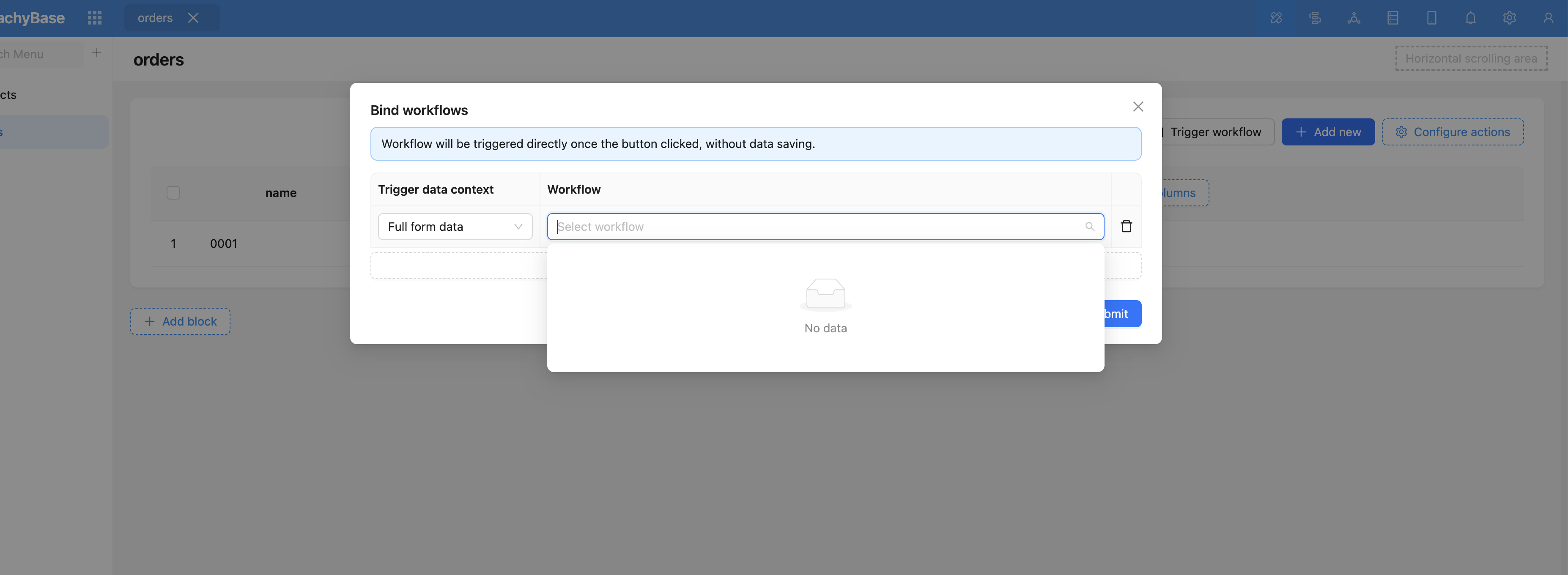
After that, clicking this button will trigger this custom operation event:
Multiple Row Records
Total visits times Total visitors times Total reading times. Powered by Tego Team