

Bind Workflow
Introduction
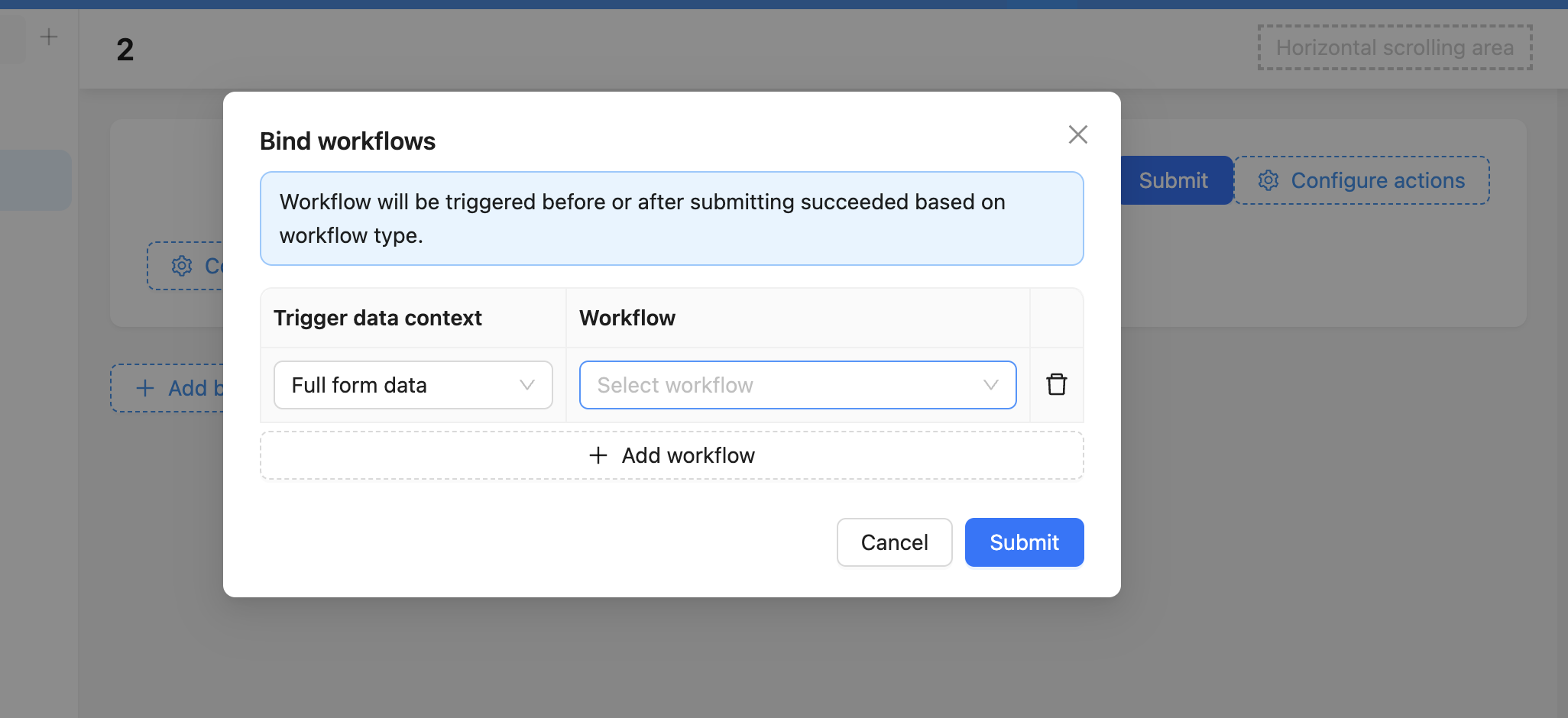
On some operation buttons, you can configure binding workflows to associate the submit operation with workflows, implementing automated data processing.
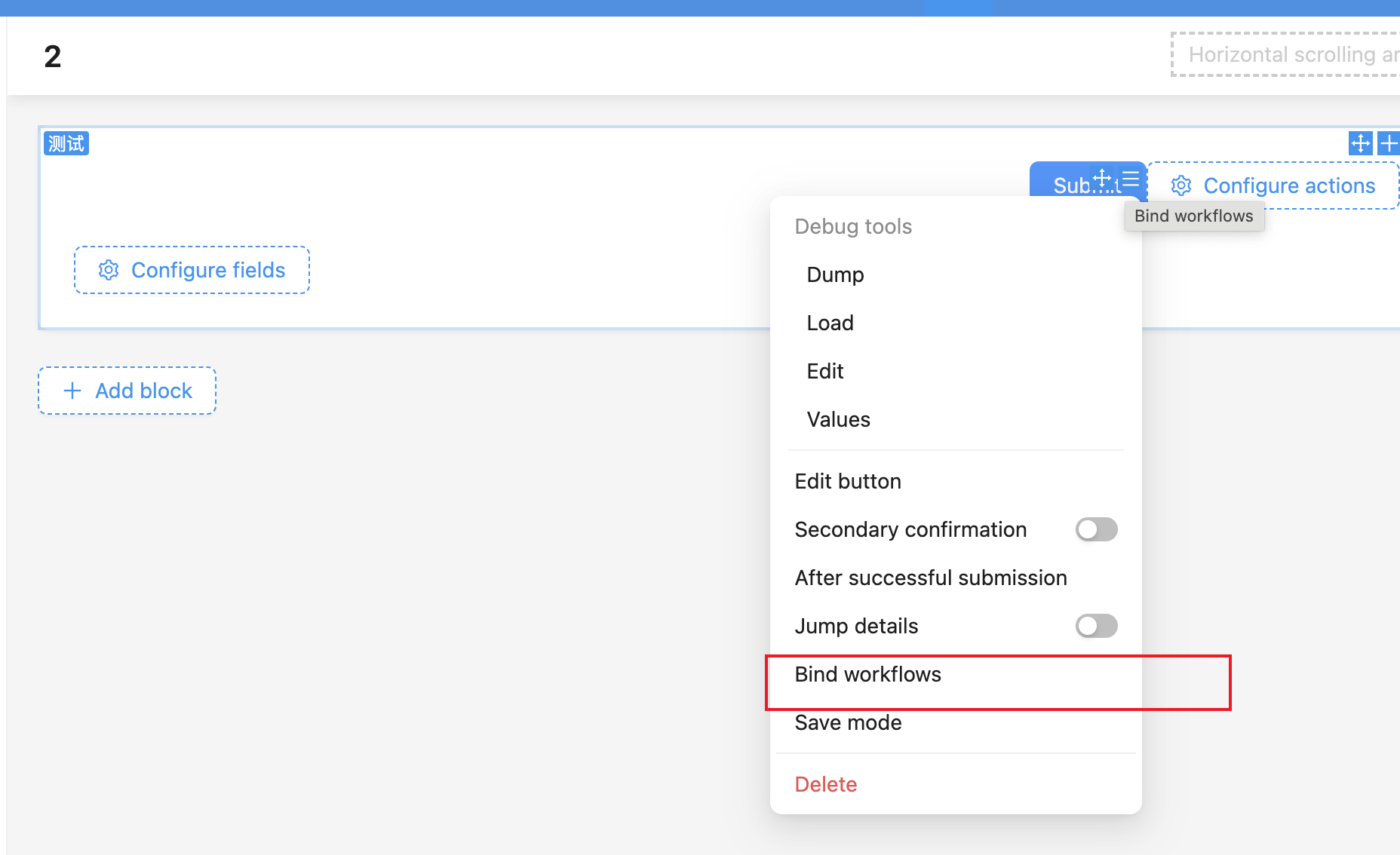
Supported Operations and Workflow Types
Currently supported operation buttons and workflow types that can be bound are as follows:
| Operation Button \ Workflow Type | Pre-operation Event | Post-operation Event | Approval Event | Custom Operation Event |
|---|---|---|---|---|
| Form "Submit", "Save" buttons | ✅ | ✅ | ✅ | ❌ |
| "Update Data" button in data rows (table, list, etc.) | ✅ | ✅ | ✅ | ❌ |
| "Delete" button in data rows (table, list, etc.) | ✅ | ❌ | ❌ | ❌ |
| "Trigger Workflow" button | ❌ | ❌ | ❌ | ✅ |
Bind Multiple Workflows Simultaneously
One operation button can bind multiple workflows. When multiple workflows are bound, the execution order of workflows follows these rules:
- Among workflows of the same trigger type, synchronous workflows execute first, asynchronous workflows execute later.
- Workflows of the same trigger type execute in configuration order.
- Between workflows of different trigger types:
- Pre-operation events must execute before post-operation and approval events
- Post-operation and approval events have no specific order, business should not rely on configuration order.
More
For different workflow event types, refer to detailed introductions of related plugins:
- [Post-operation Events]
- [Pre-operation Events]
- [Approval Events]
- [Custom Operation Events]
Total visits times Total visitors times Total reading times. Powered by Tego Team