

Actions
In the UI, actions are buttons used to trigger a set of instructions. They can be placed directly on pages, dialogs, or drawers, and can also be used in combination with blocks. Currently, dynamically configurable actions are mainly used in combination with blocks.
Actions in Blocks
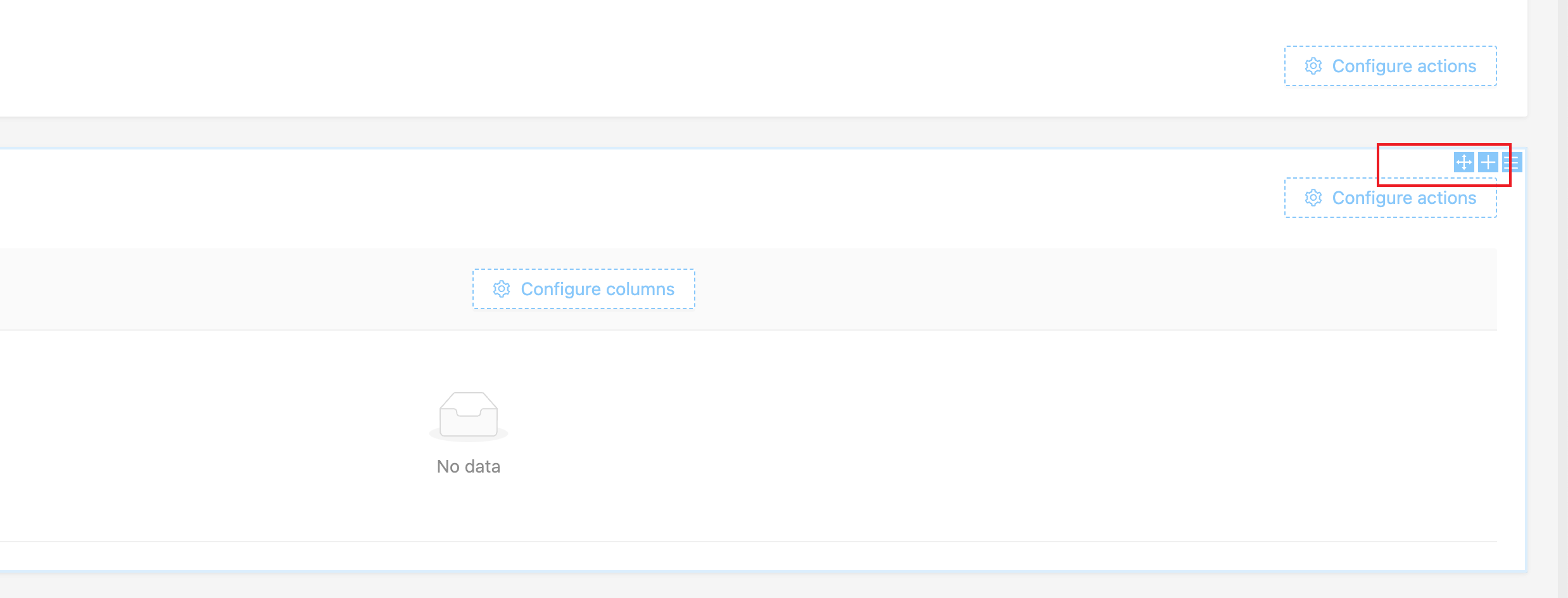
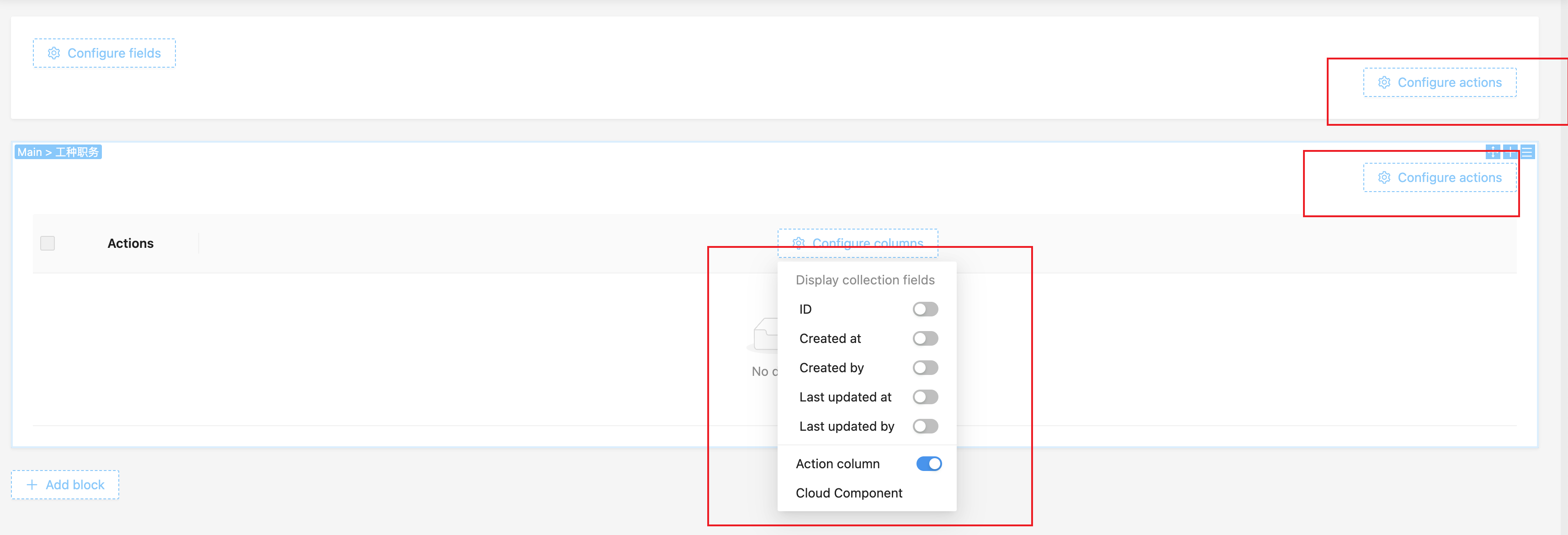
Action Designer (Toolbar)
Unlike blocks and fields, the action designer only has two icons:
- Drag and drop
- Parameter configuration
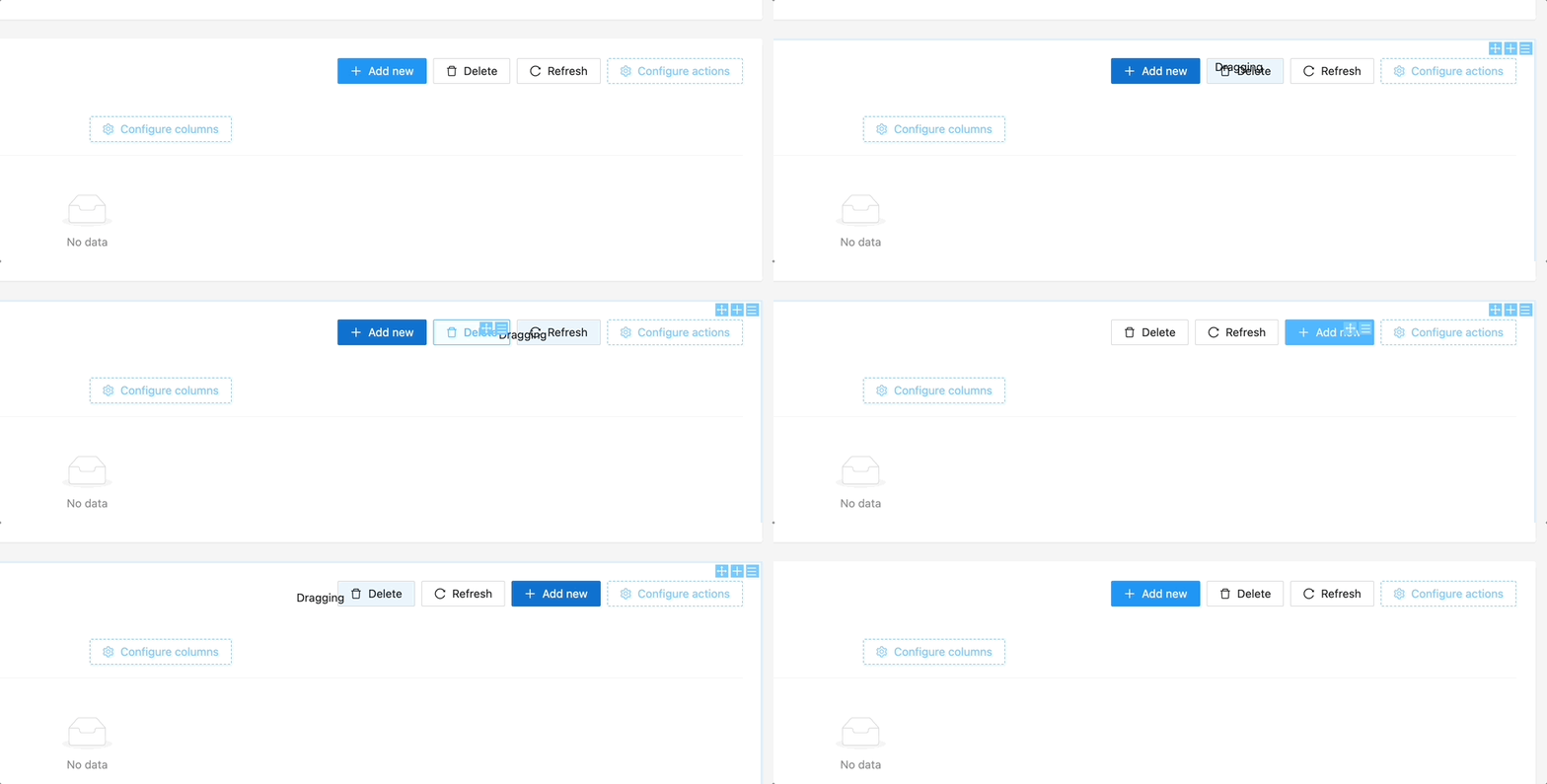
Drag and Drop Sorting of Actions
Hold the "Drag and drop" icon in the button designer to sort buttons.
Total visits times Total visitors times Total reading times. Powered by Tego Team