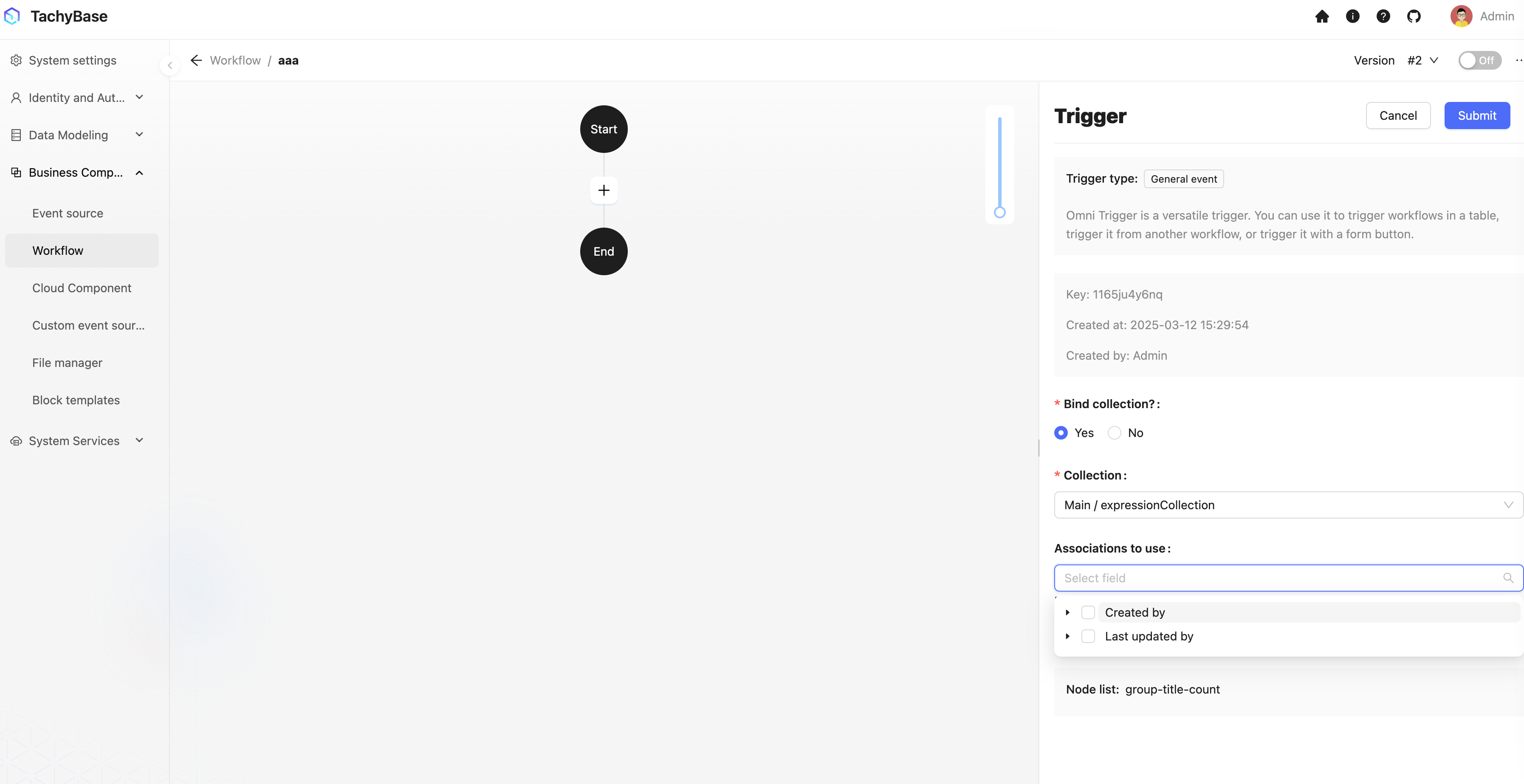
Expression Table
This feature is provided by the module-data-source plugin.
Create "Expression Table" Template Table
Before using the dynamic expression calculation node in workflows, you need to first create an "Expression" template table in the data table management tool to store different expressions.
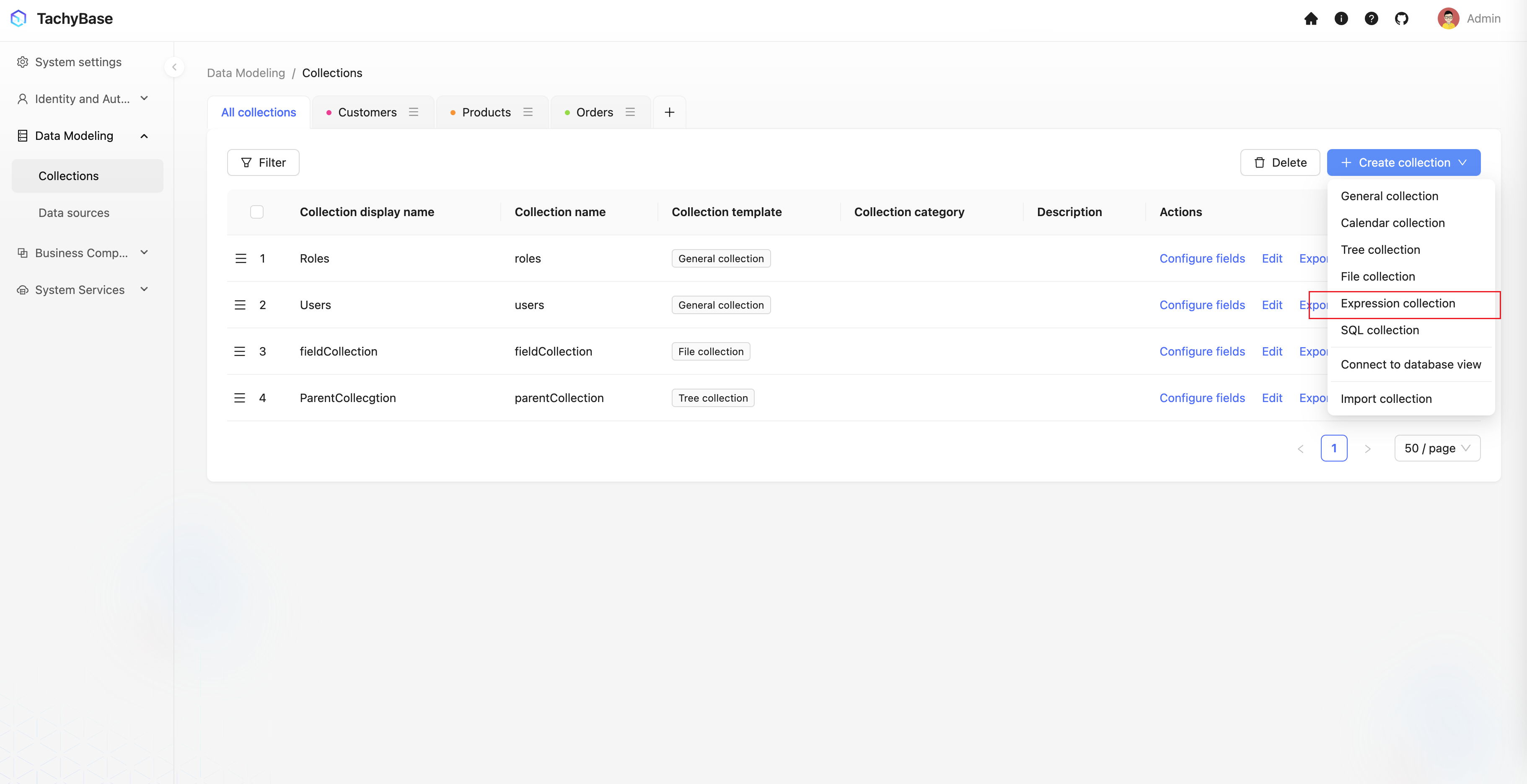
Enter Expression Table
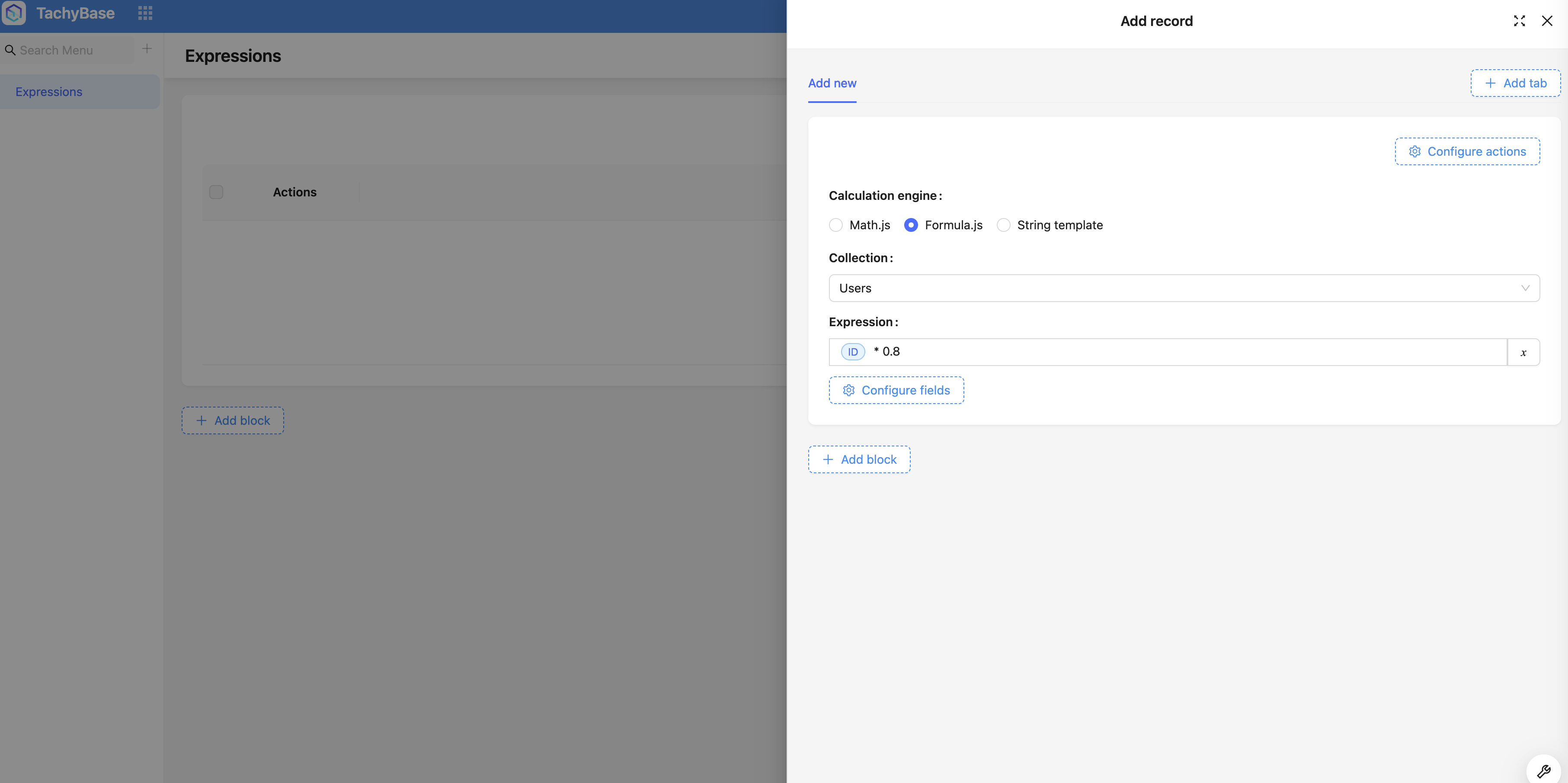
Next, you need to create a table block and add several formula data entries to this template table. Each row of data in the "Expression" template table can be regarded as a calculation rule for a specific table data model. Each formula data entry can use field values from different data table data models as variables, writing corresponding expressions to define calculation rules. Additionally, different calculation engines can also be used to execute these rules.
After creating formulas, you need to associate business data with formulas. Since directly associating each business data entry with formula data rows is rather cumbersome, you typically use metadata tables similar to categories, establishing a many-to-one (or one-to-one) association with the formula table, and further letting business data establish a many-to-one association with category metadata. This way, when creating business data, you only need to specify the corresponding category metadata, and subsequently when using it, you can find the corresponding formula data through this association path for calculation and application.
Load Related Data in Workflow
Taking a data table event as an example, you can create a workflow that triggers when an order is created, and preload the product data associated with the order as well as the expression data related to the product. Specifically: