User Manual
Department Management
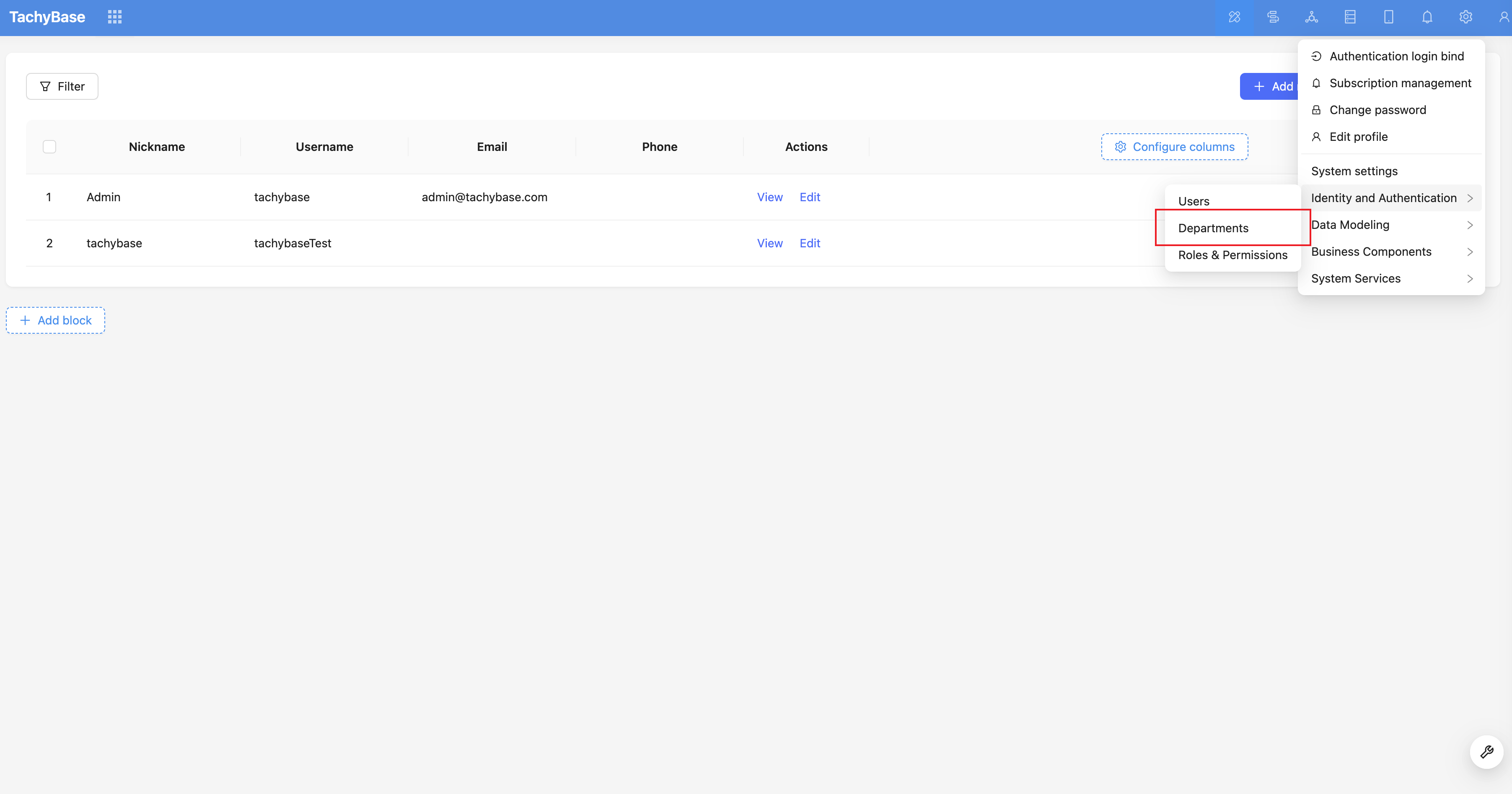
Create Department
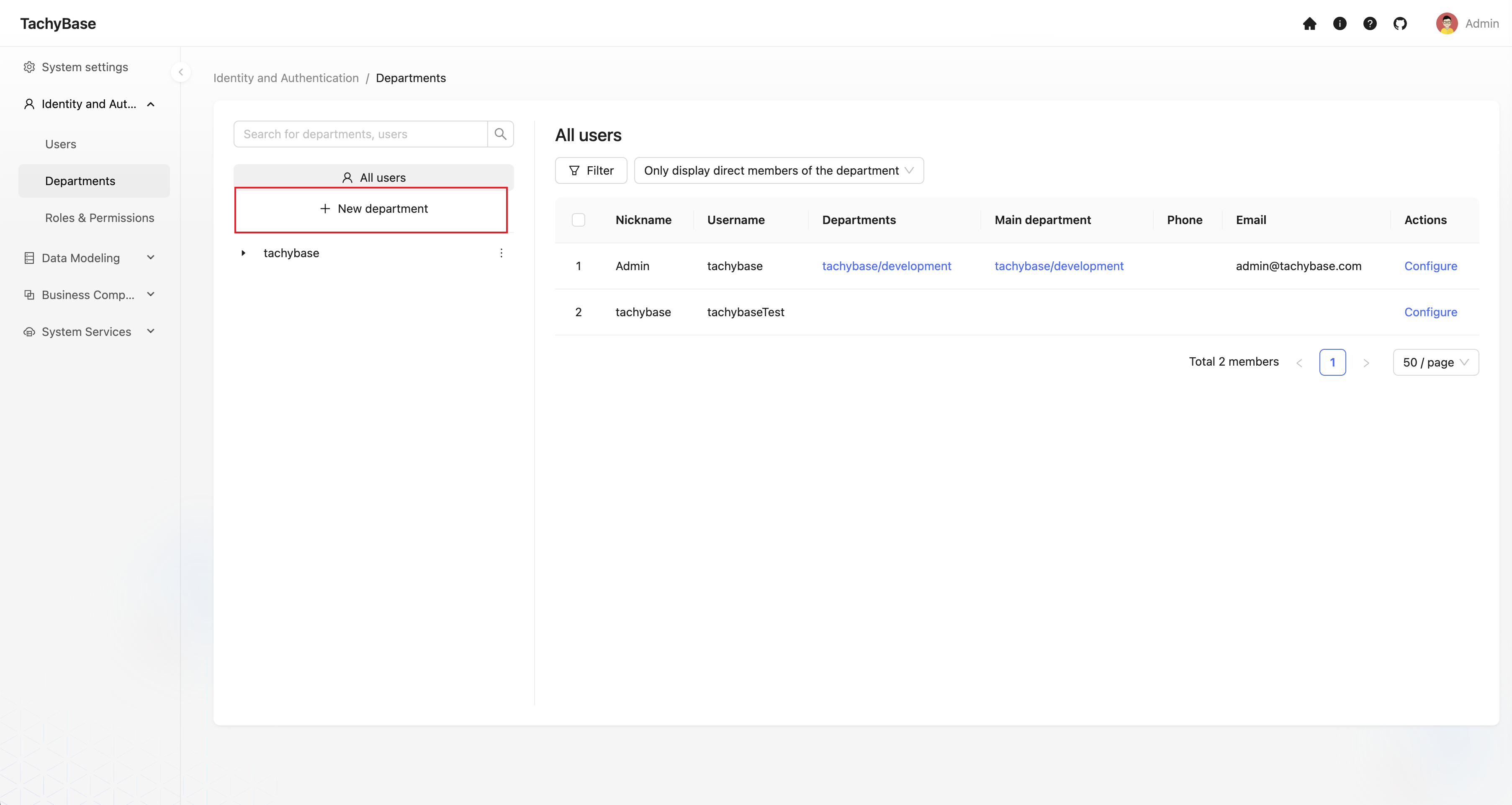
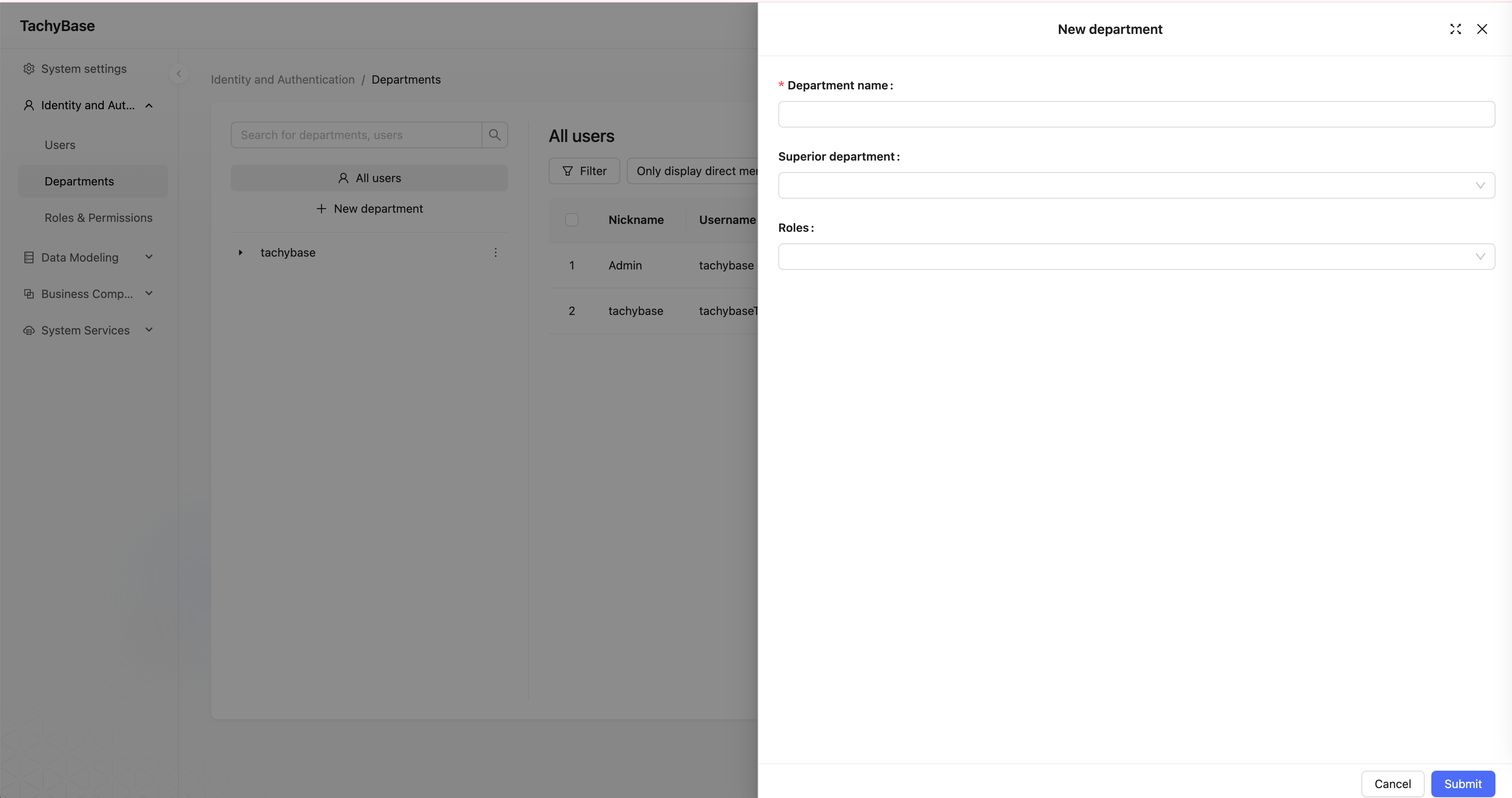
Create Sub-department
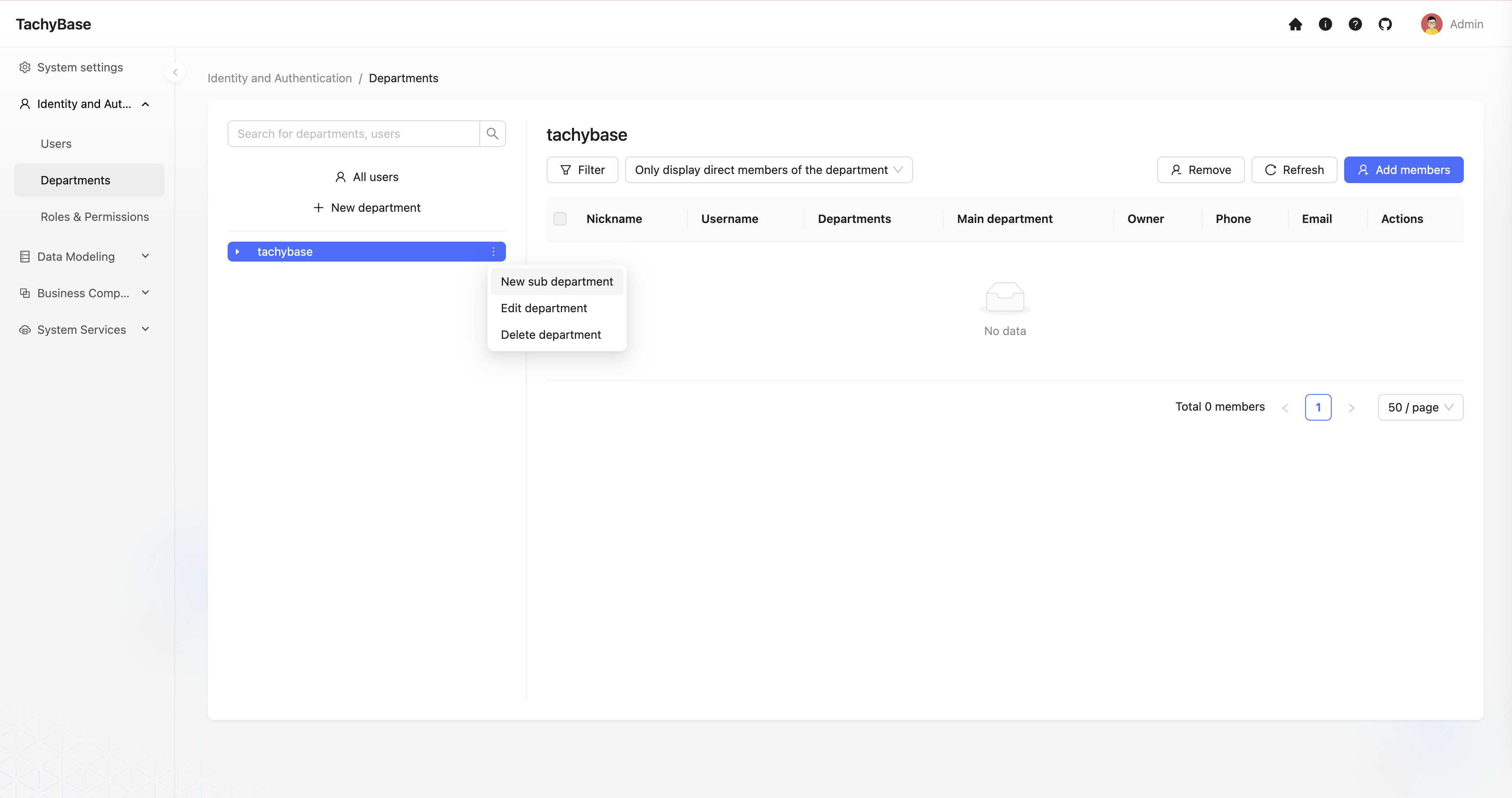
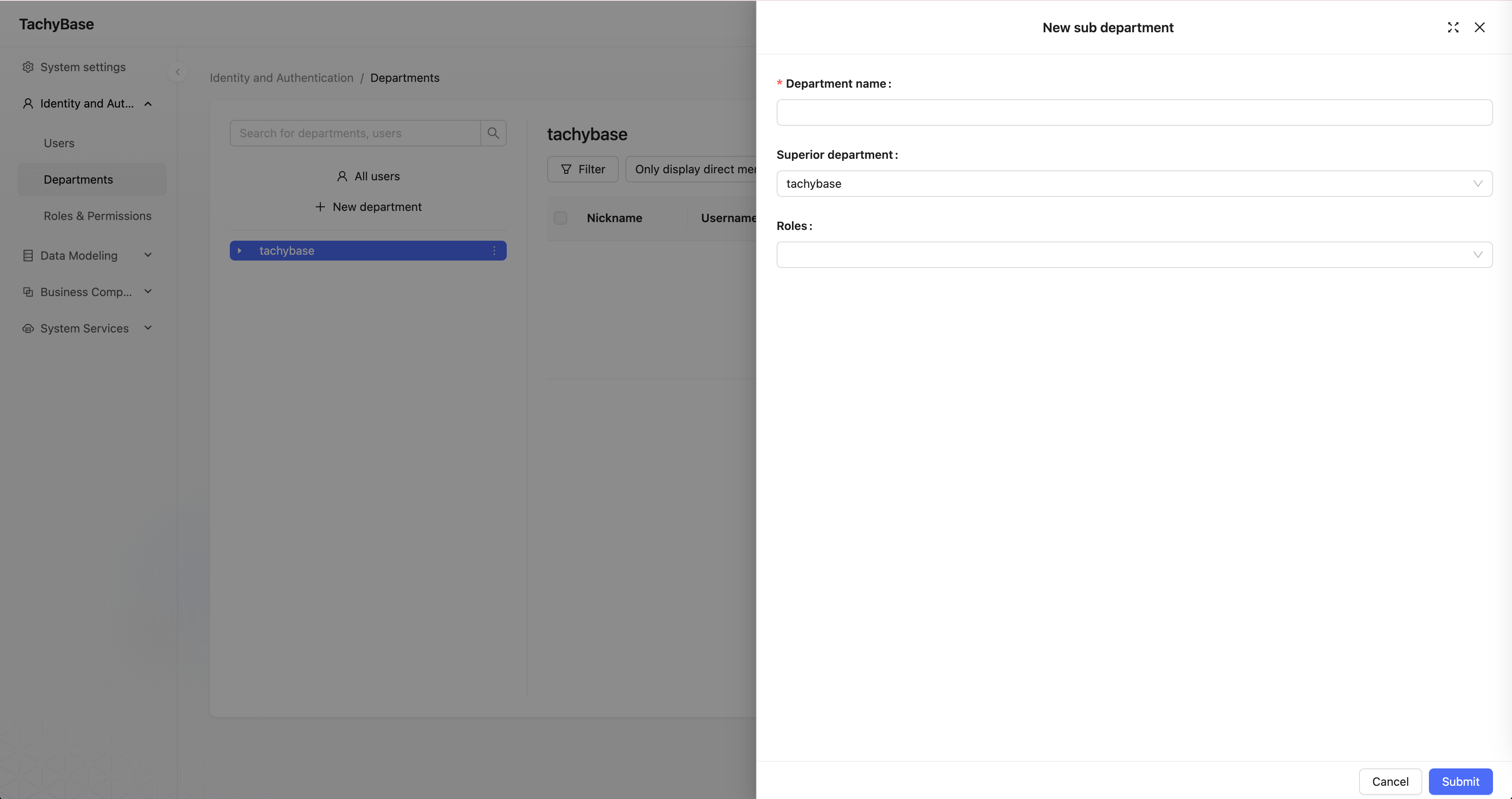
Edit Department
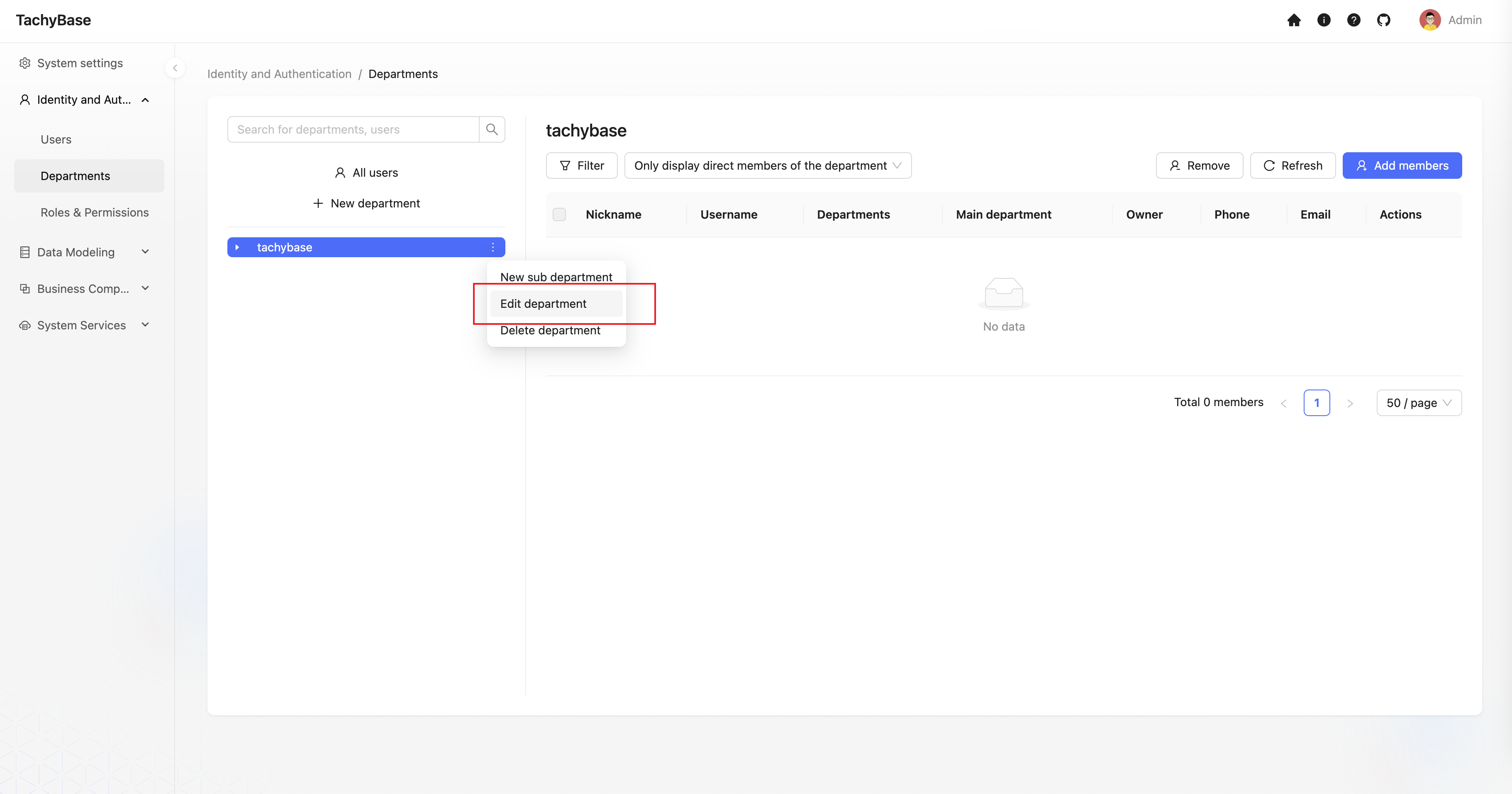
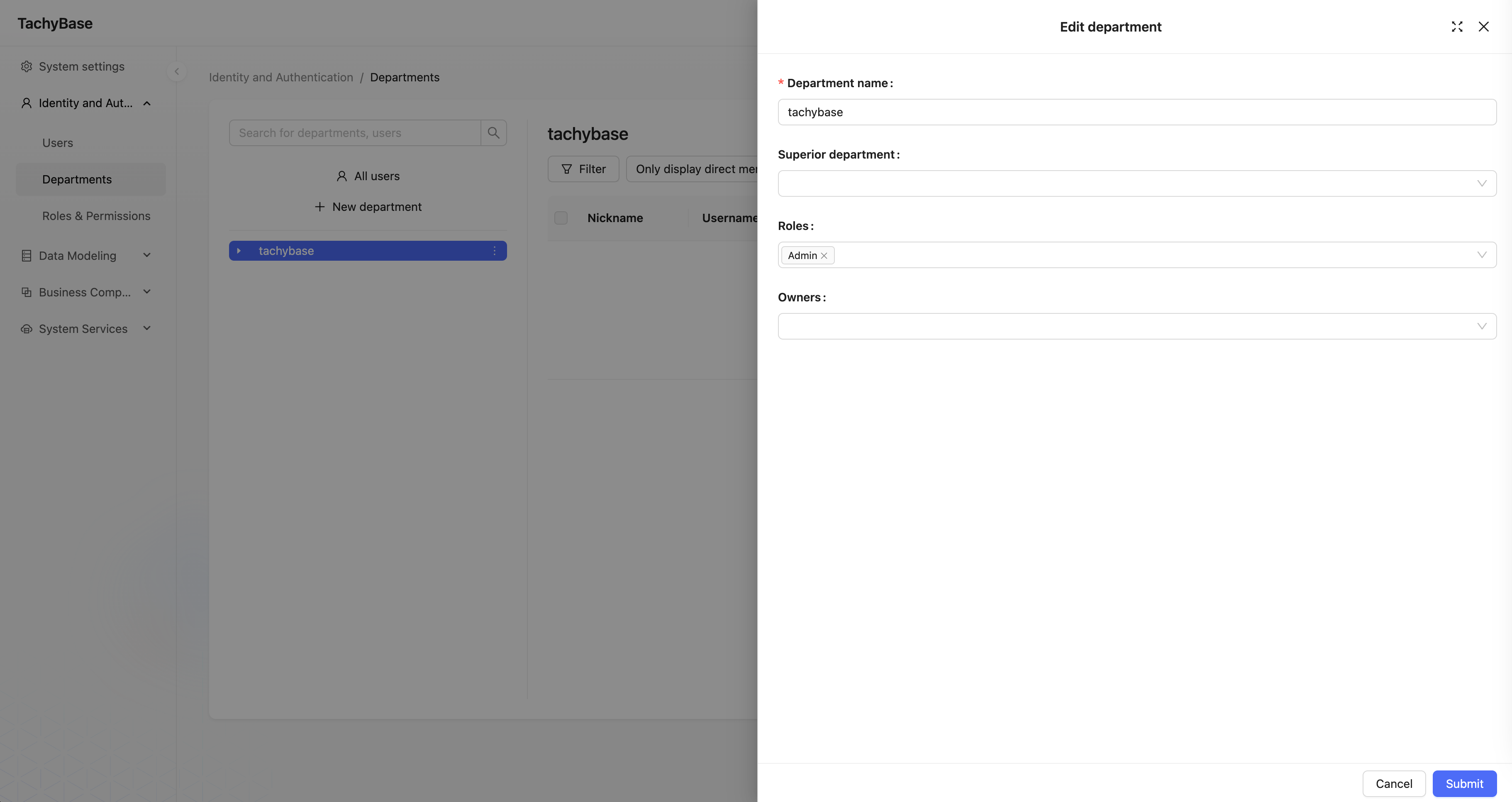
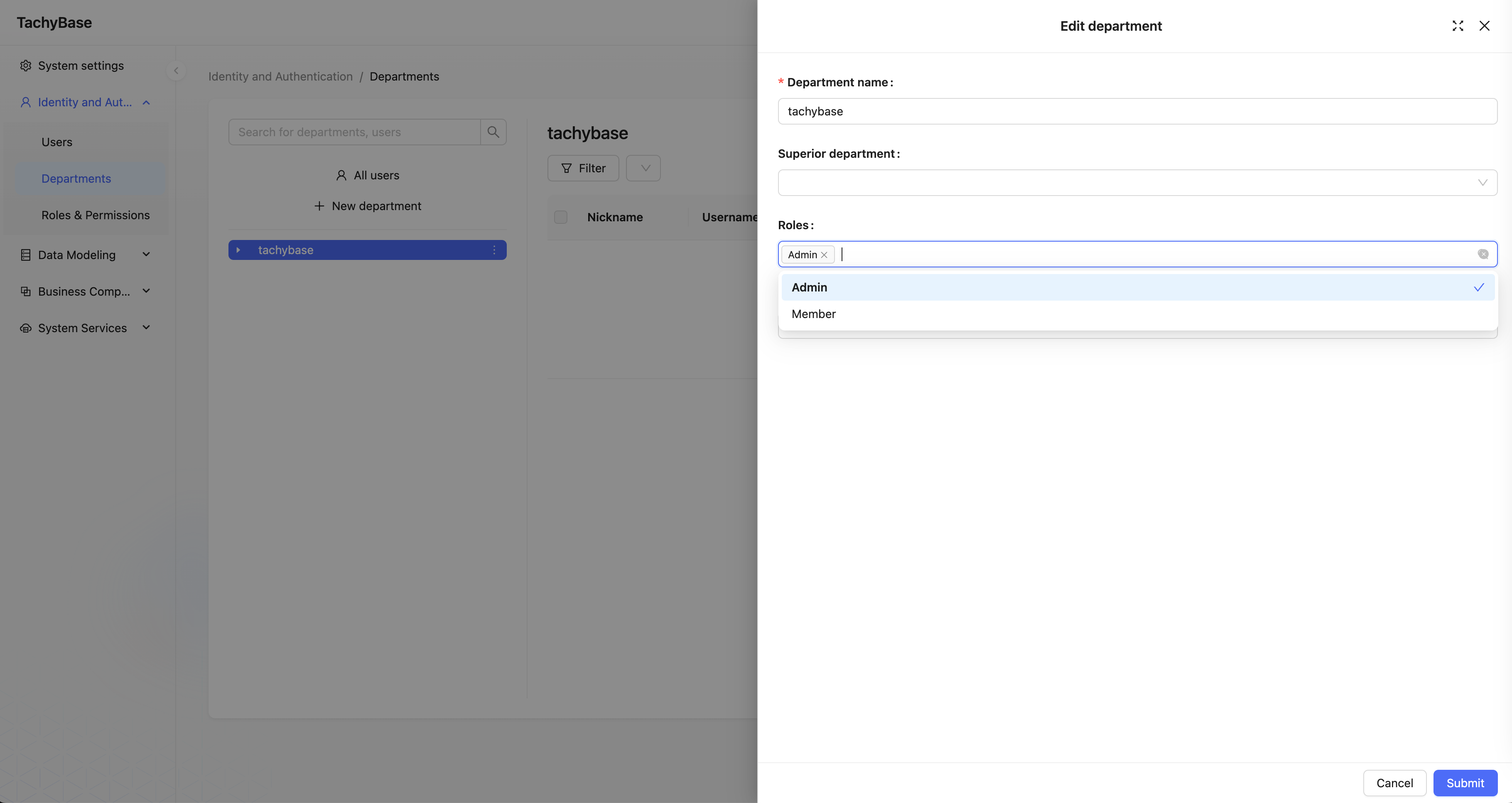
Change Parent Department
In the department edit form, modify the parent department field. The current department and its sub-departments cannot be selected.
Department Member Management
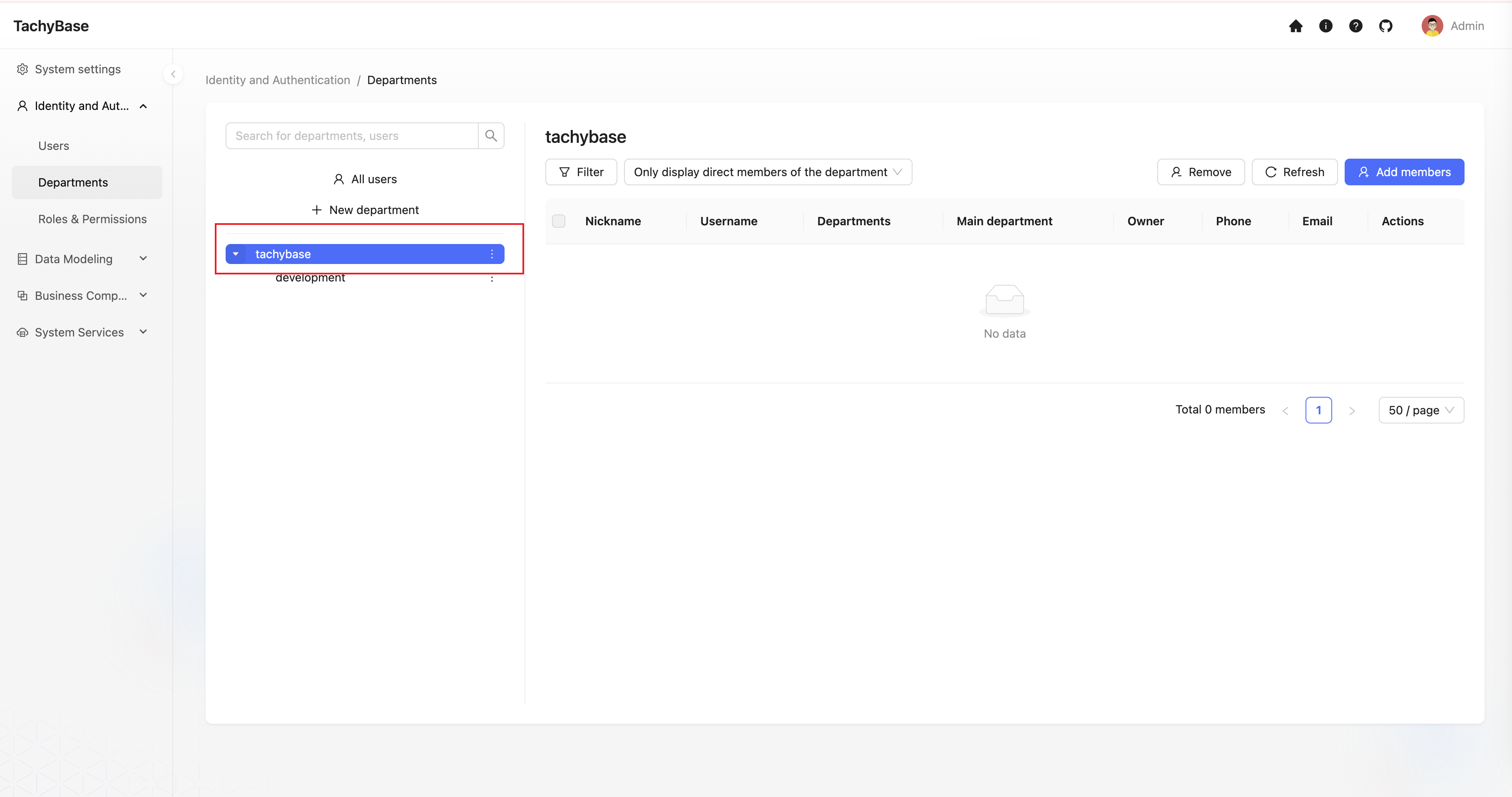
View Department Member List
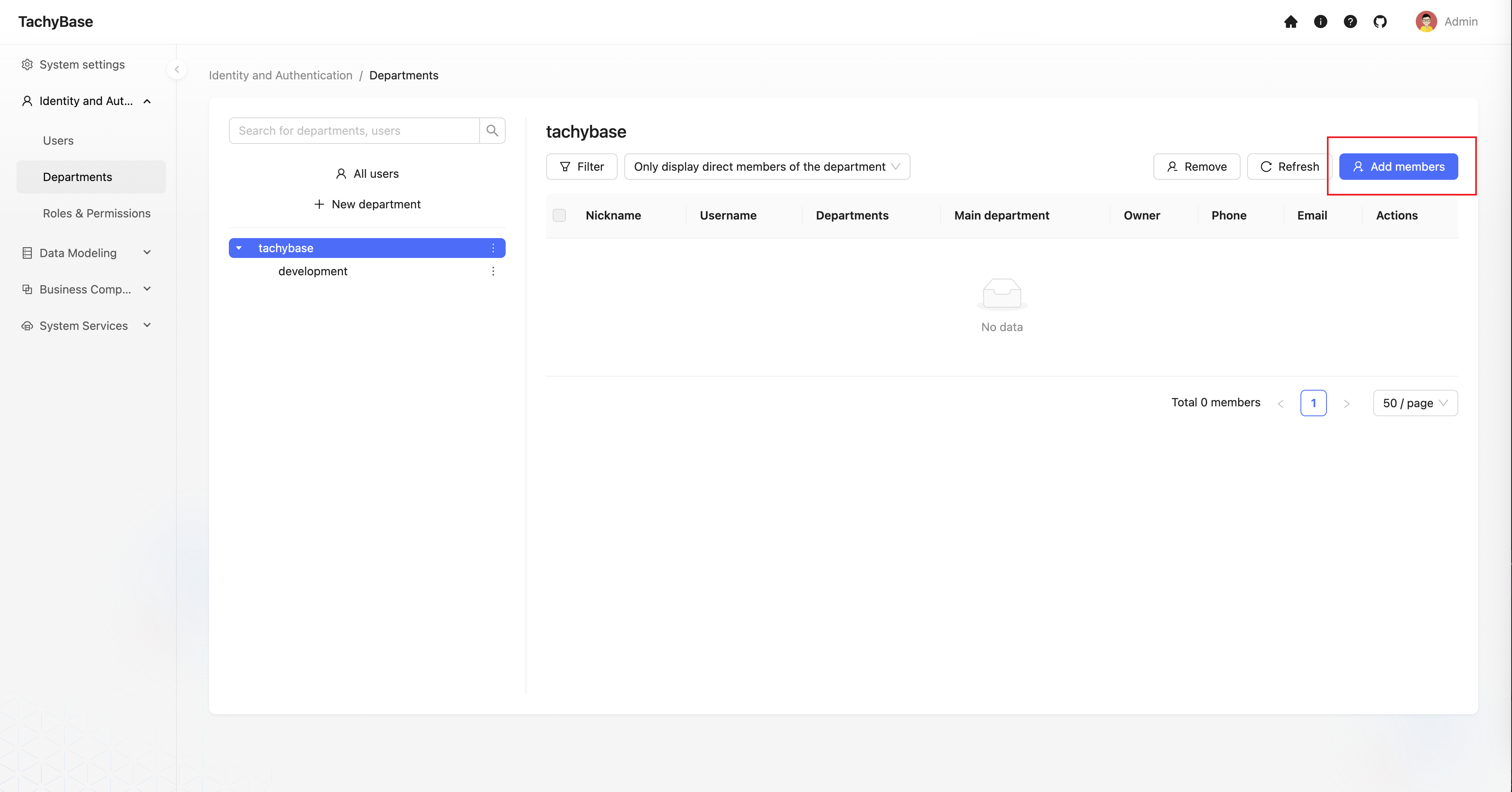
Add Members to Department
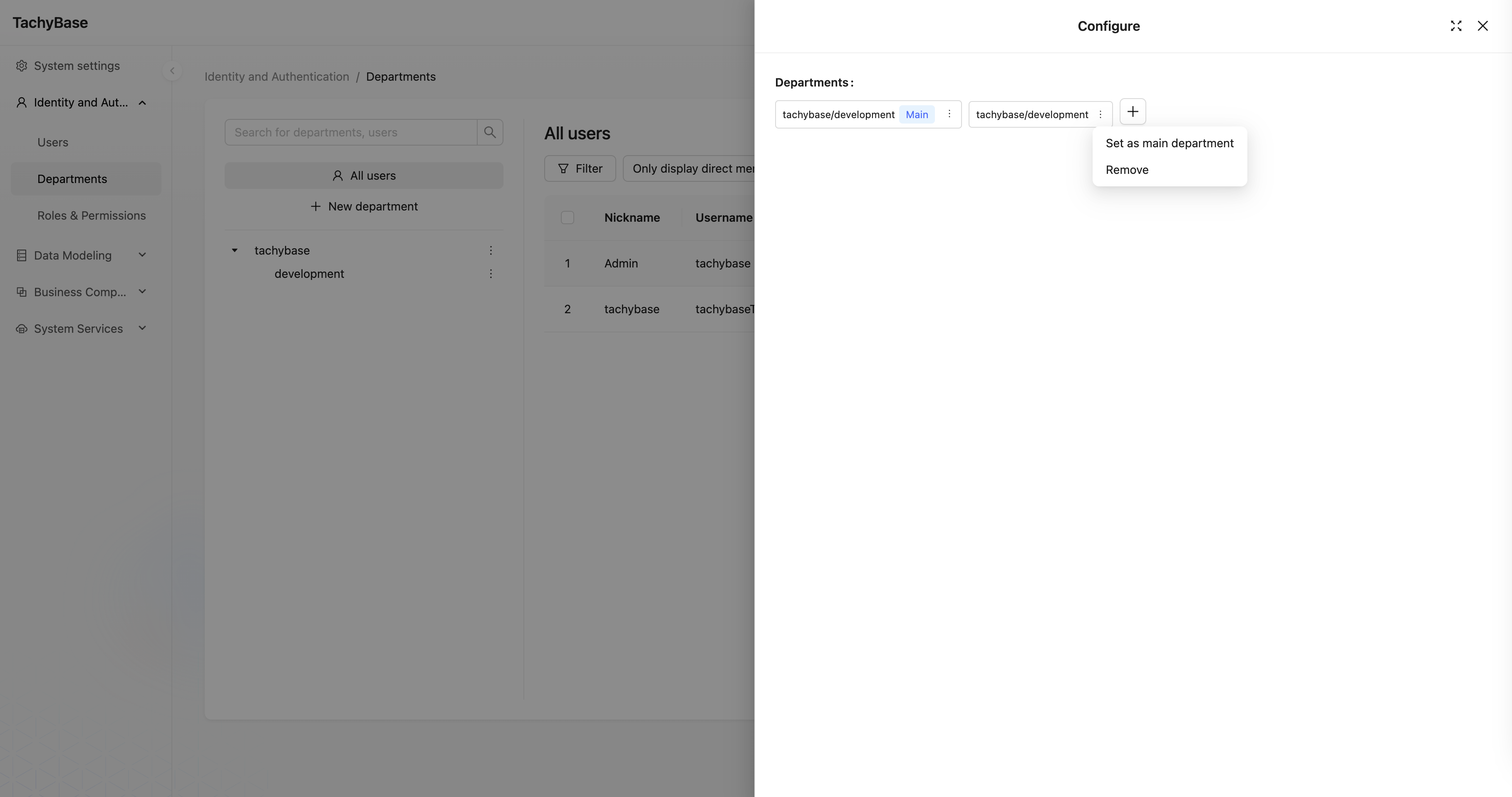
A user can join multiple departments simultaneously. The first department they join becomes their primary department by default. A user can only have one primary department.
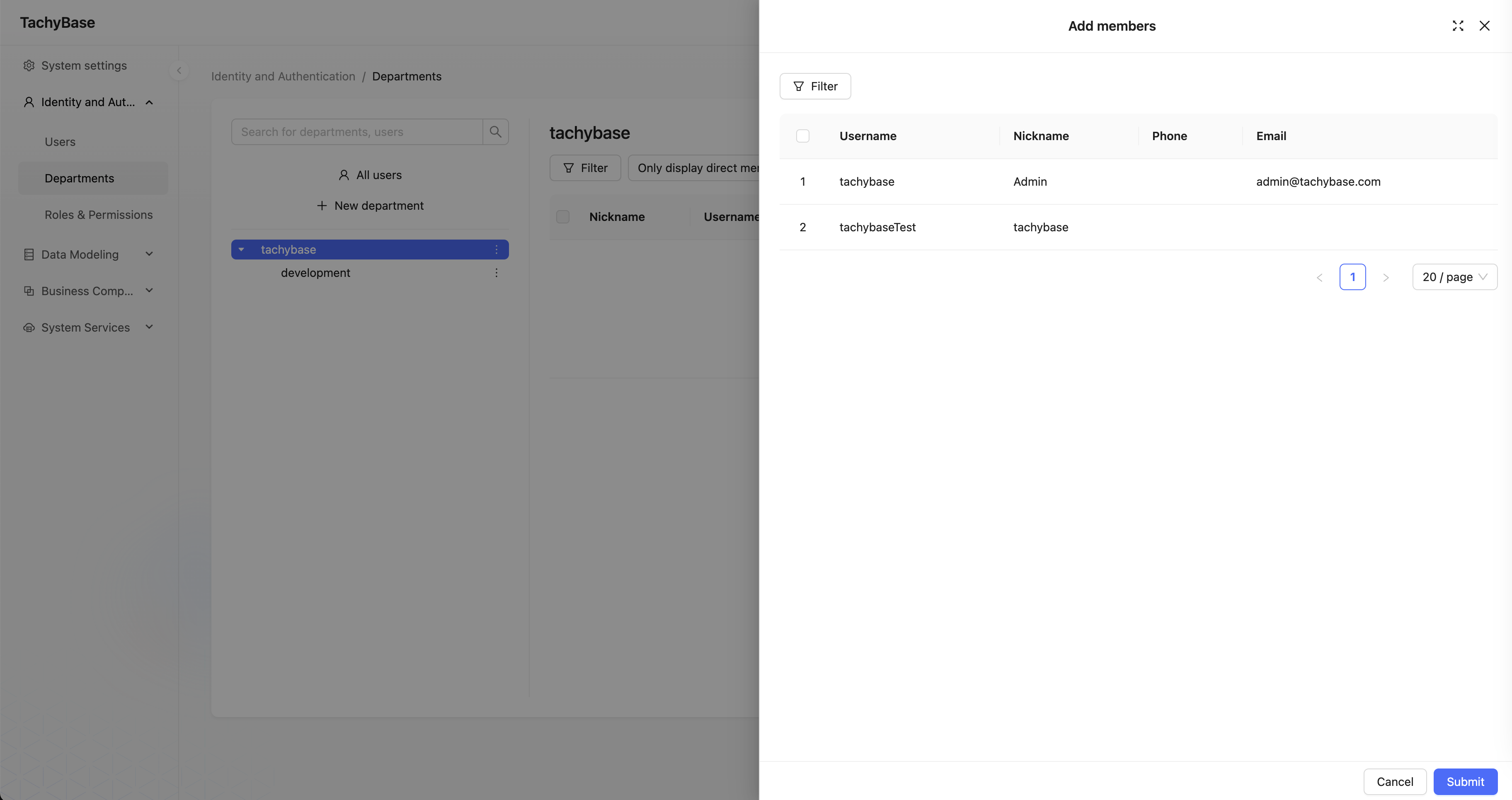
Users who are already department members will not appear in the user selection list.
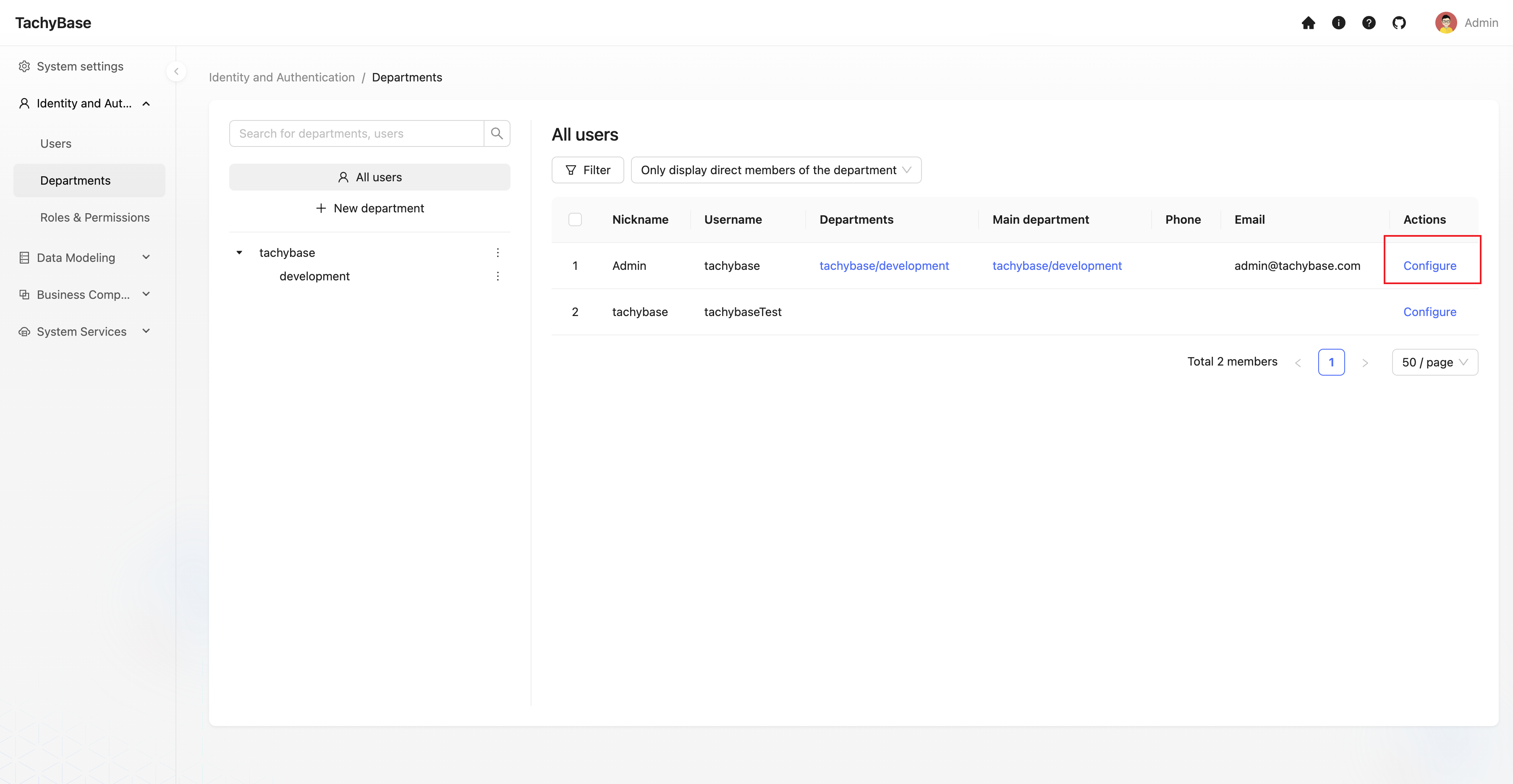
Configure Departments for Users
In addition to adding members to departments, you can also configure departments for users from the user perspective.
Change Primary Department
Department Role Management
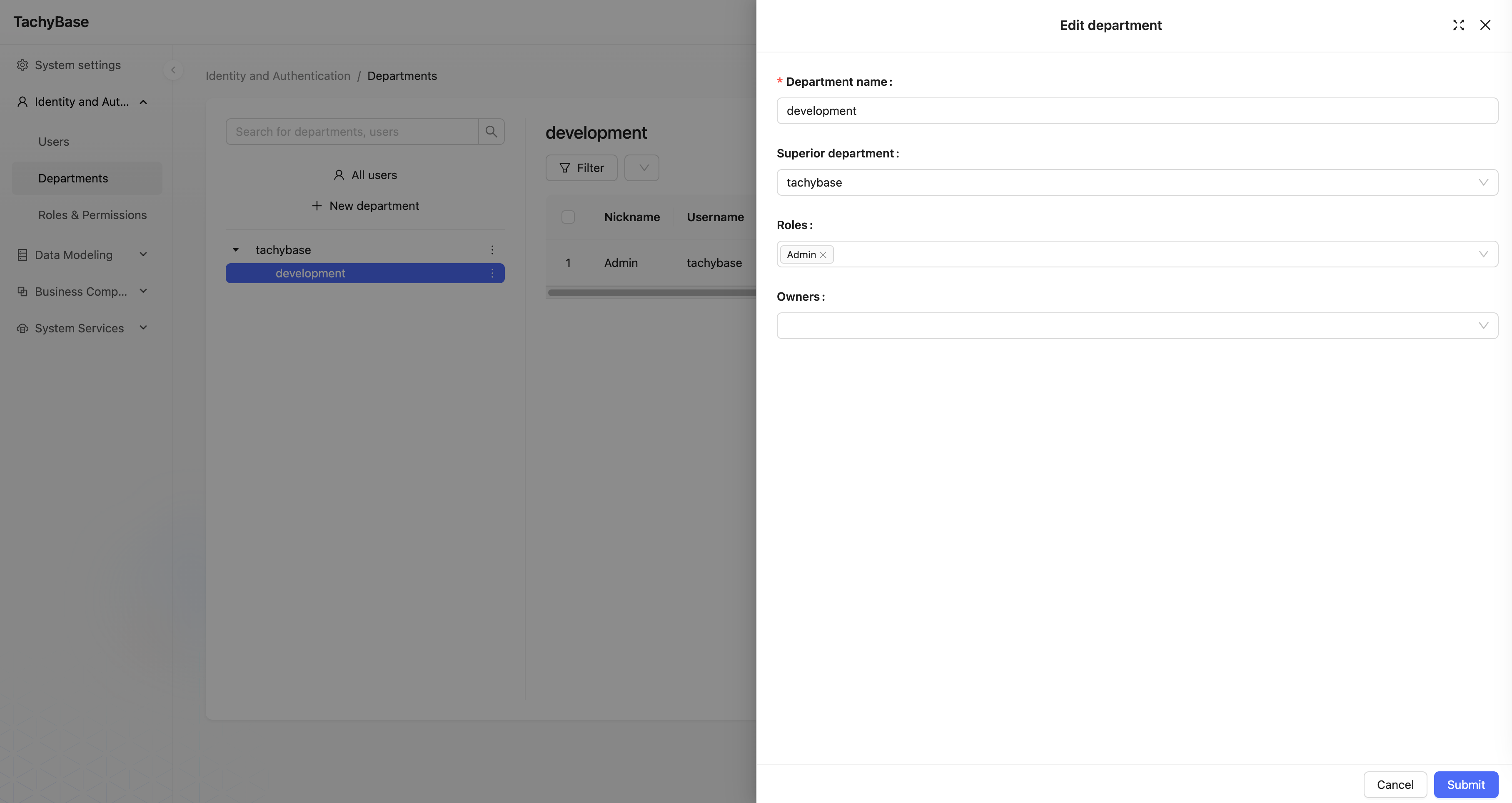
By associating a department with one or more roles, members of the current department can have these roles.
There are two ways to associate roles with a department.
The first way is to select roles in the roles field of the department edit form.
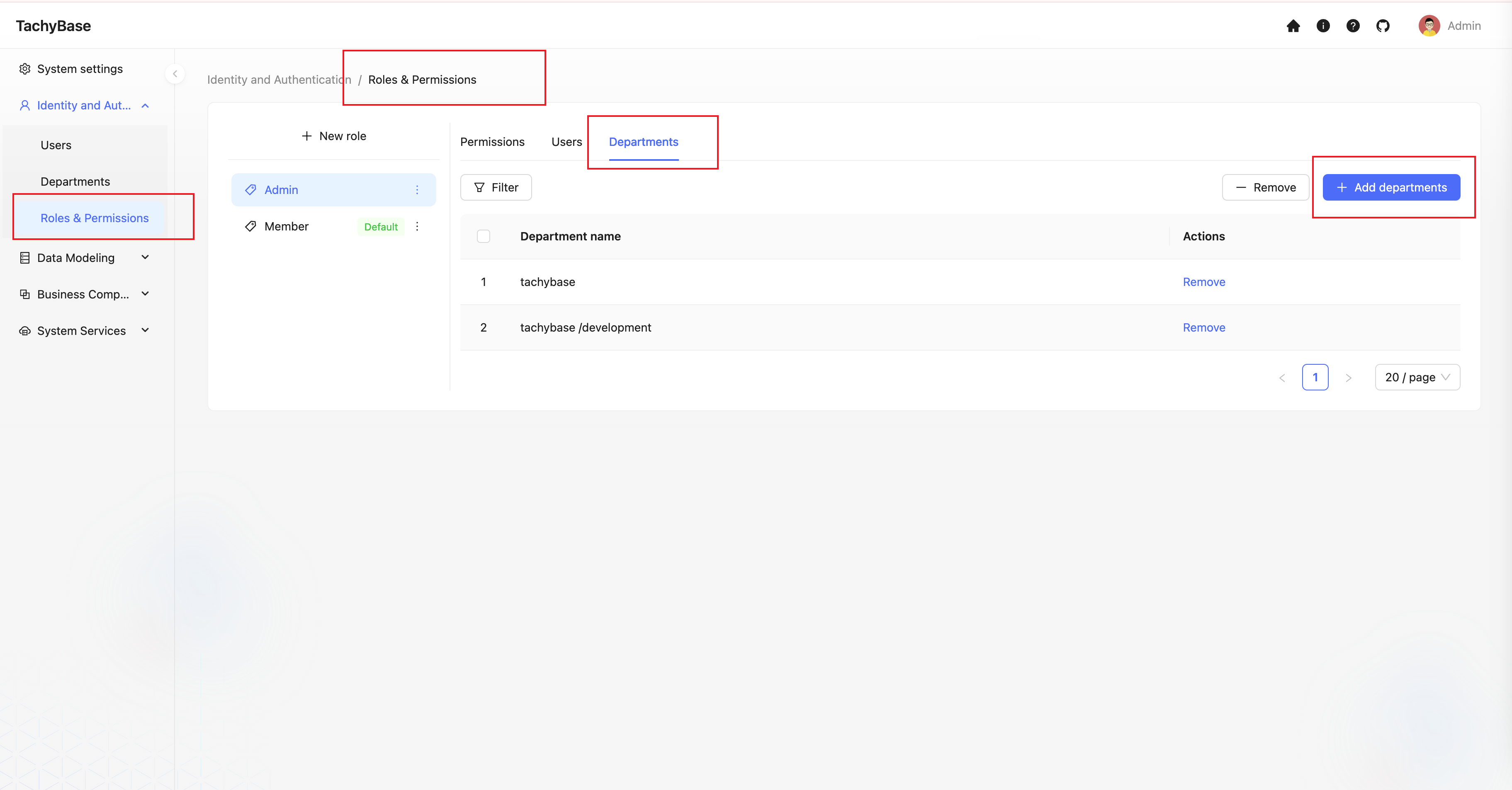
The second way is to add departments to the corresponding role in role management.