

Modal
Introduction
A modal is a small window on a page used to display some extended content on the current page. It can be presented in the form of a drawer or dialog, such as order details or product details, and can also be used to edit data. Modal operations play a very important role in Tachybase interface configuration. Many blocks provide various modal operations that can be used to add, view, edit data, etc. At the same time, various modal operations can also be customized to adapt to various scenarios and needs.
Type and Size
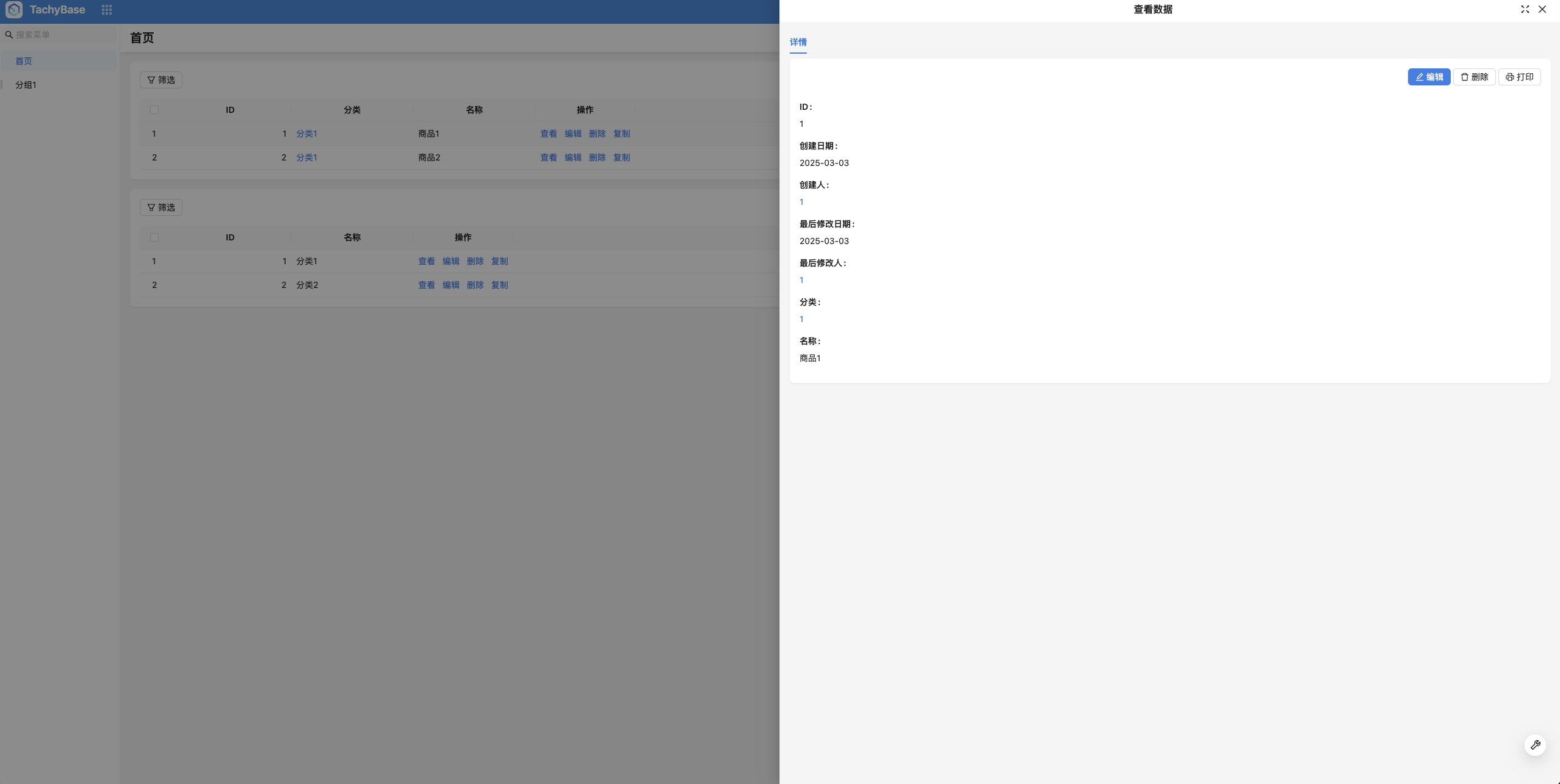
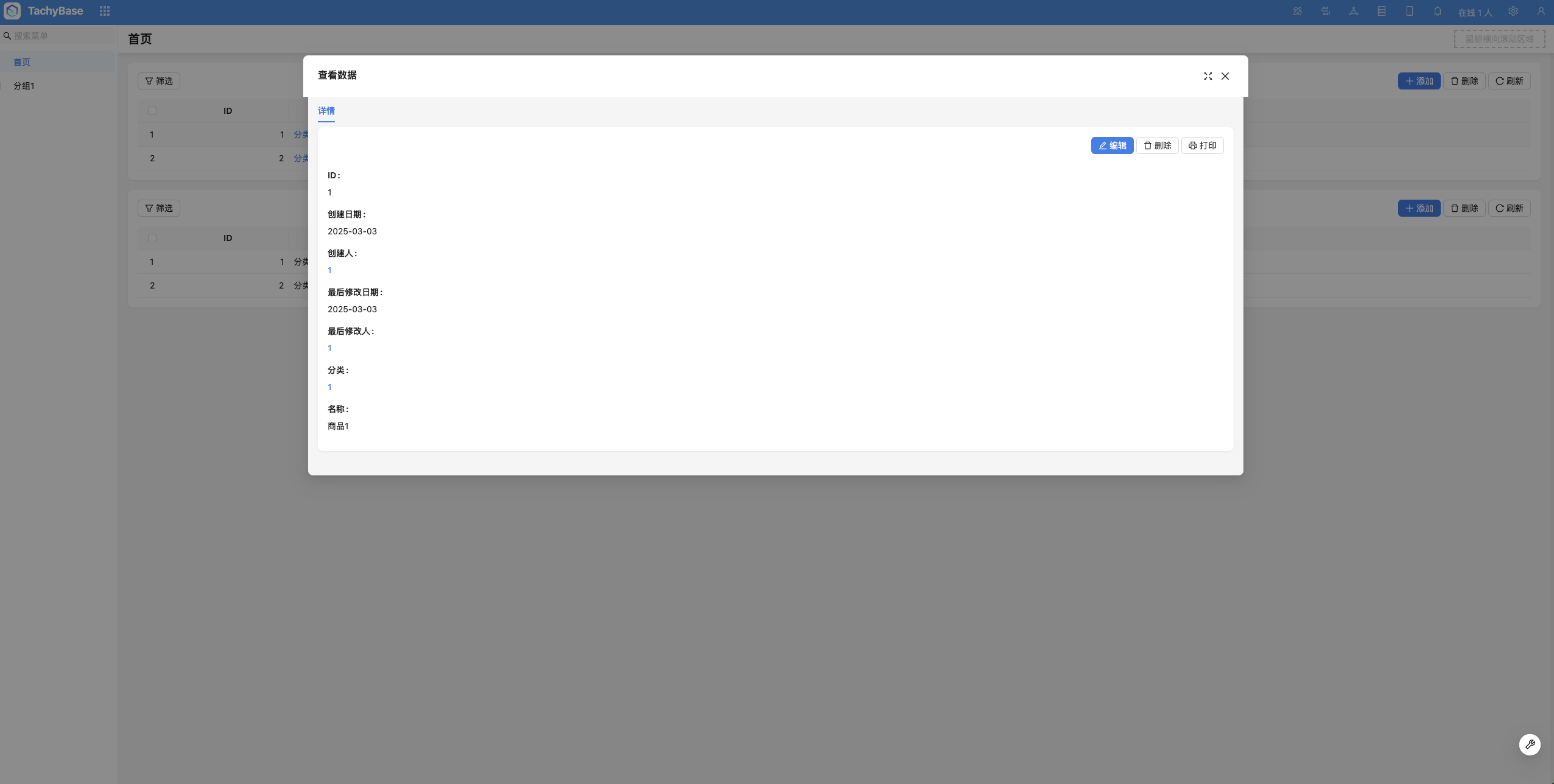
Modals have two types: drawer and dialog. Configure the modal's type and size in the operation that opens the modal.
Drawer
Dialog
Usage Scenarios
Block Modal Operations
Add Blocks
Adding blocks in modals can currently be used to add the following types of blocks.
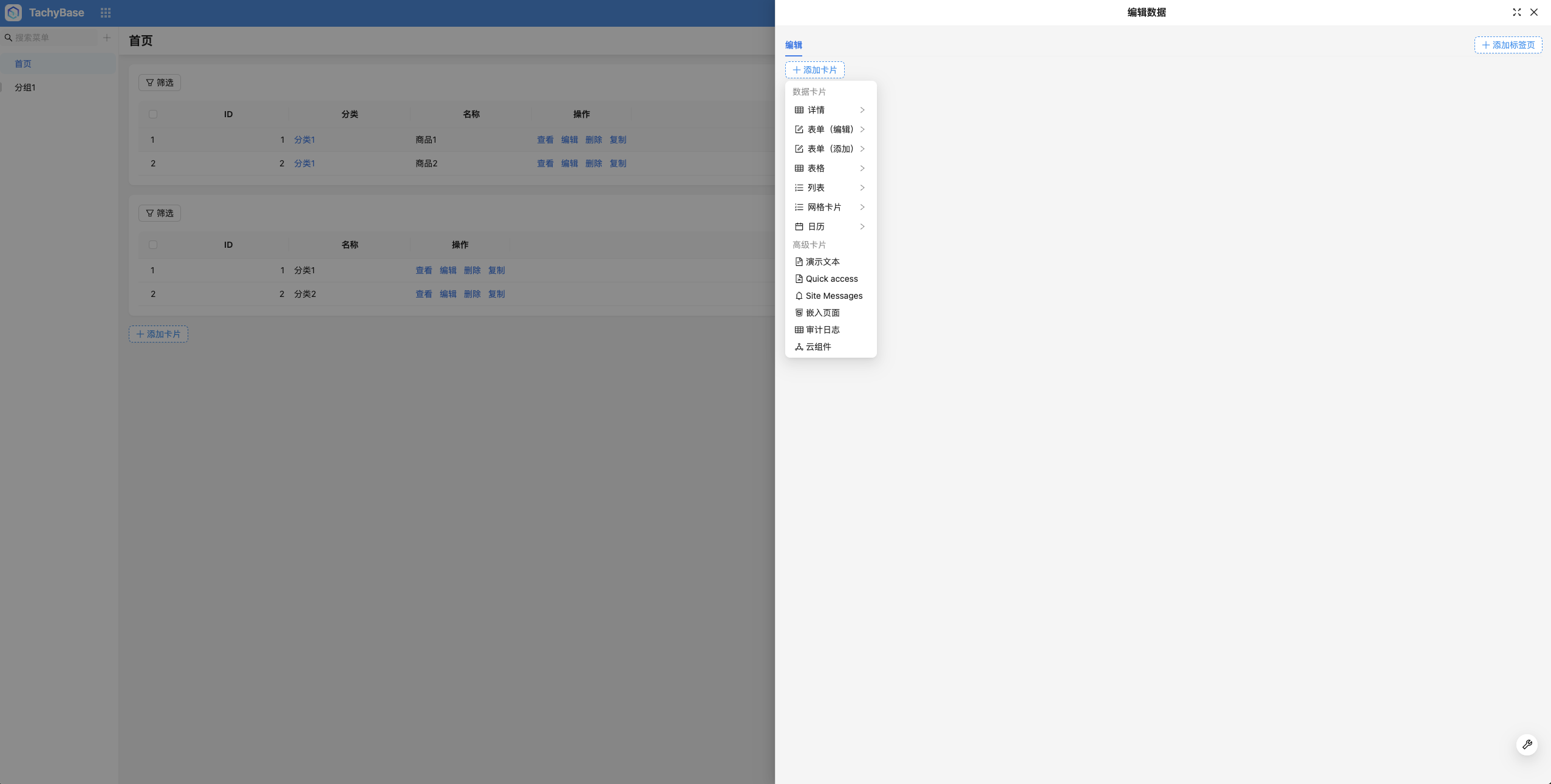 Data in modals is divided into three dimensions:
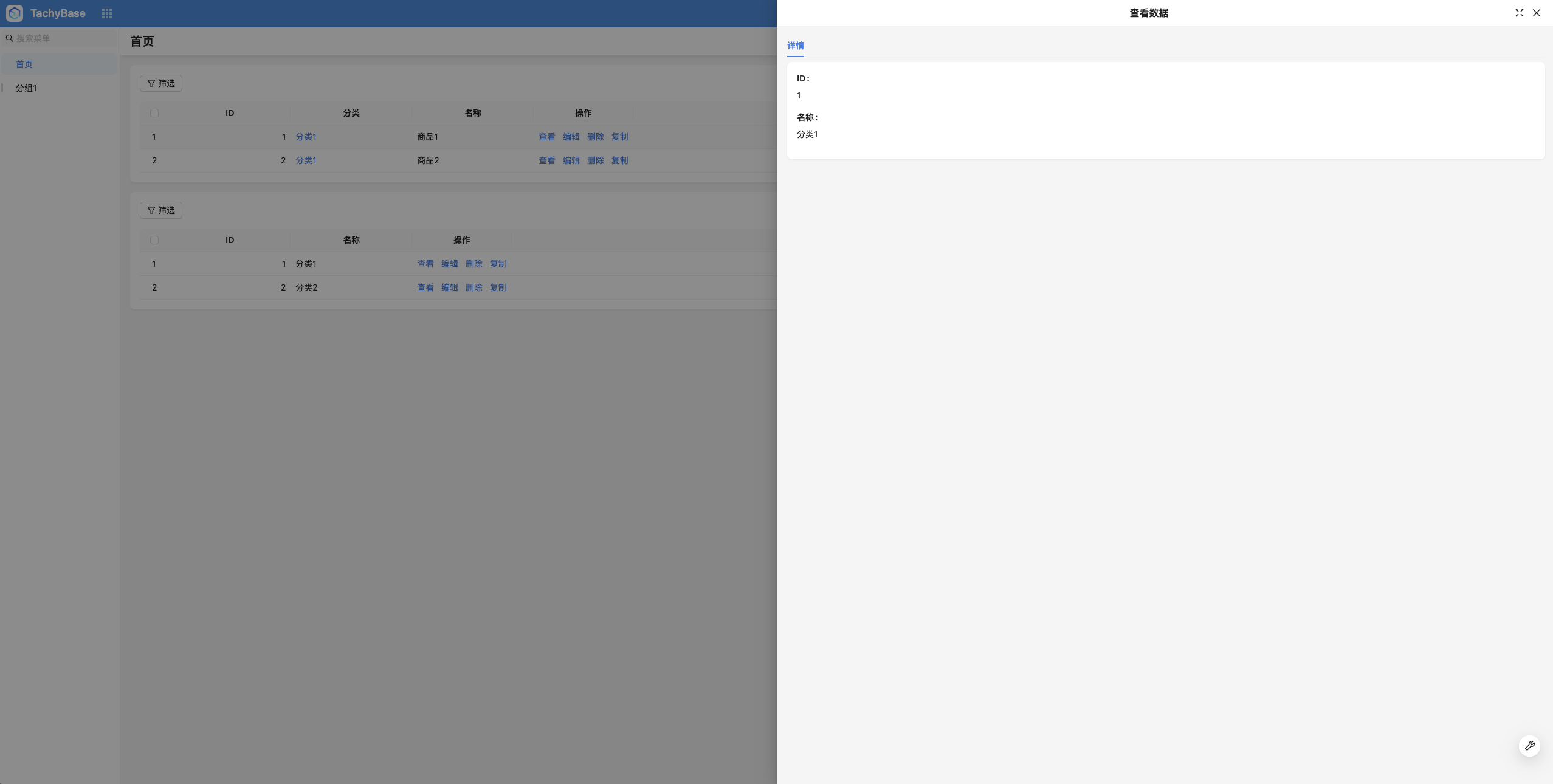
Current Record: Used to display the current record; Related Records: Used to display relationship data related to the current record; Other Records: Used to display data from other tables;
Current Record
Related Records
Using Variables
- Row operation modals: Each modal will have a "Current Modal Record" variable, representing the current row record.
- Relationship field modals: Each modal will have a "Current Modal Record" variable, representing the currently clicked relationship record.
Blocks in modals can all use the "Current Modal Record" variable. Related usage scenarios include:
- Configure block data scope
- Configure relationship field data scope
- Configure field default values (forms for adding data)
- Configure operation linkage rules
- Field assignment configuration for form submit operations