

Sub-table
Overview
Sub-table is suitable for handling to-many relationship fields, supporting batch creation of target table data and then associating, or selecting from existing data for association.
Usage Instructions
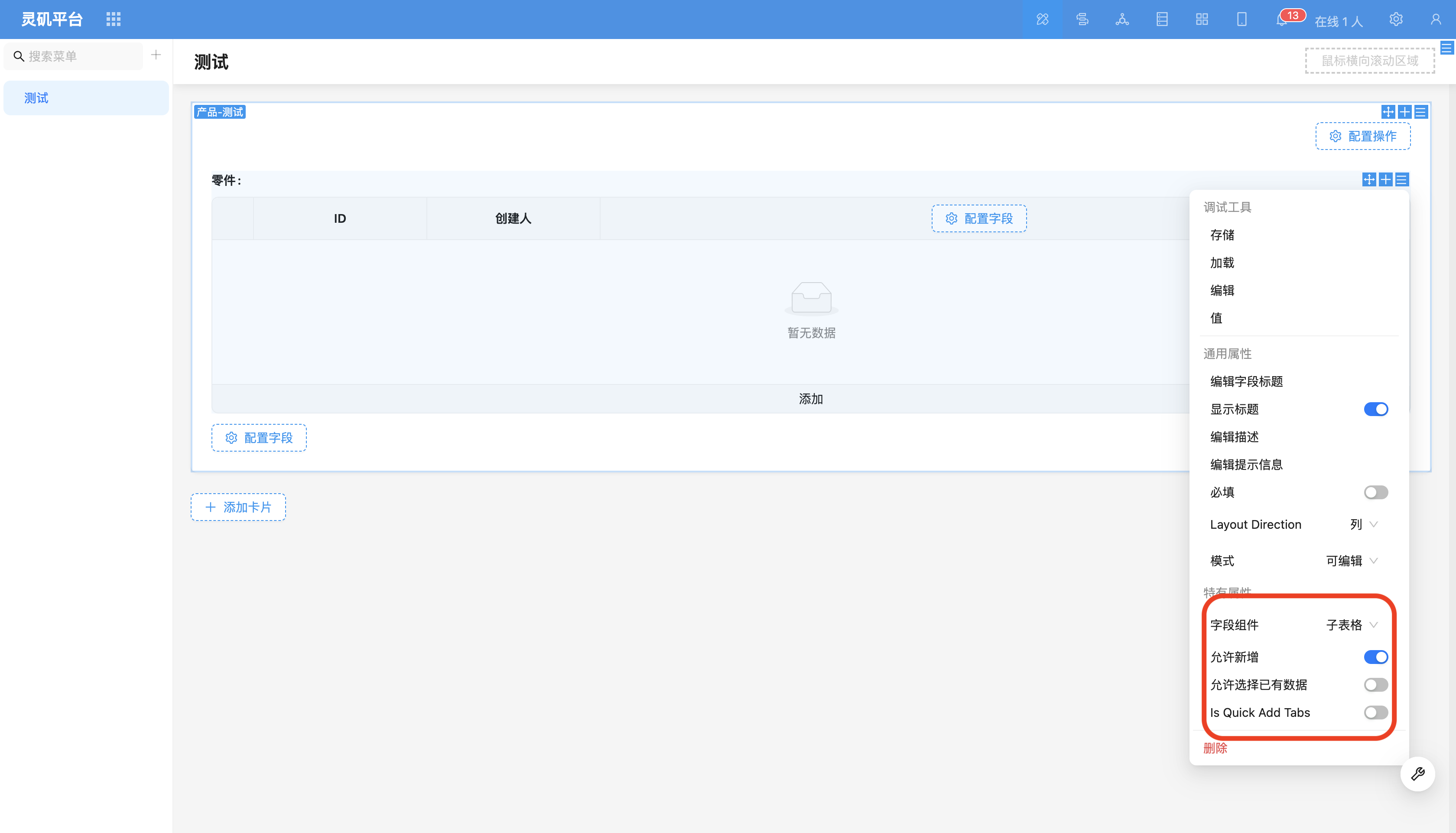
- Field Display and Edit In sub-tables, different types of fields display different field components. For large fields (such as rich text, Json, multi-line text, etc.), editing will be done through hover popup.
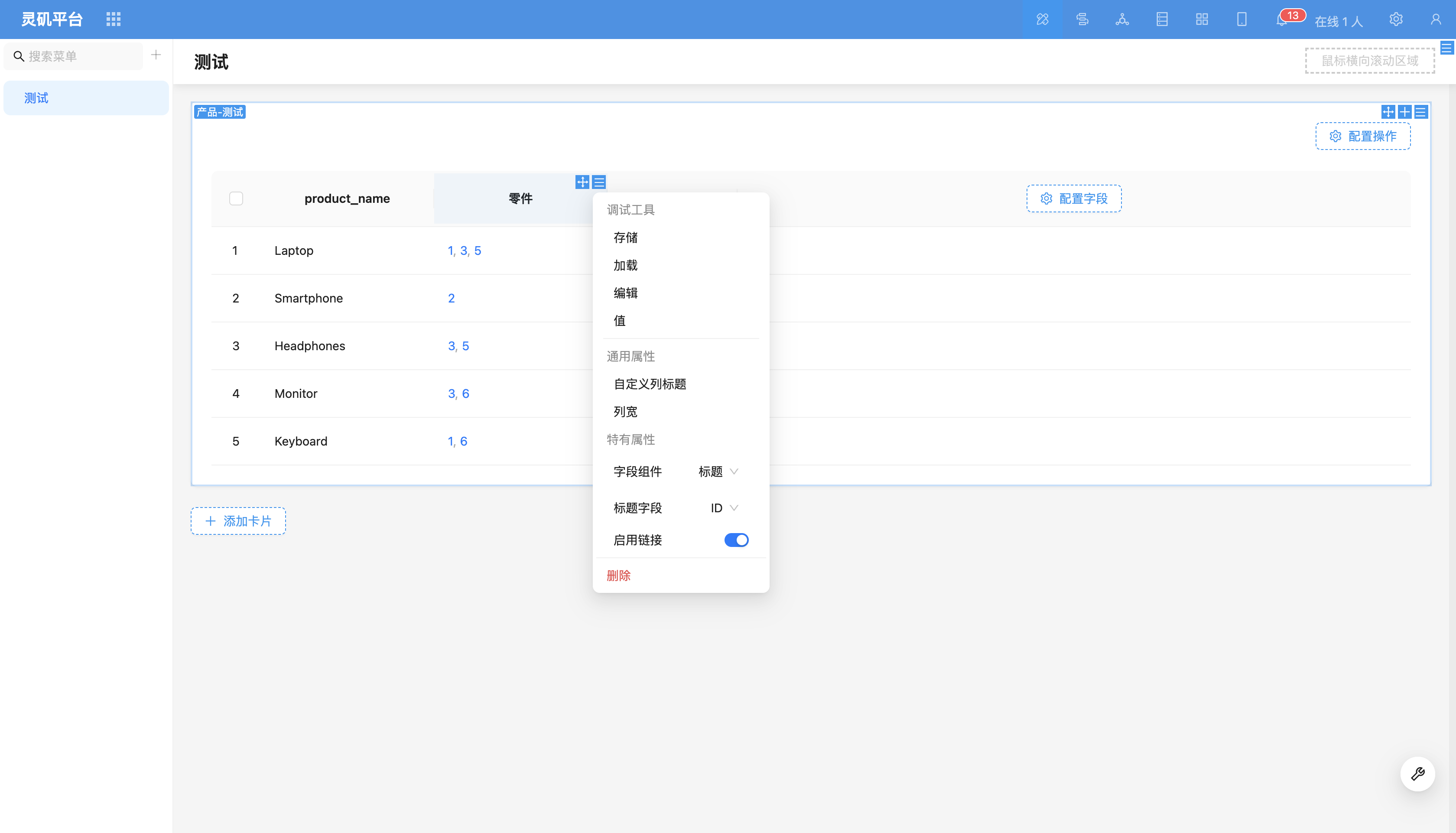
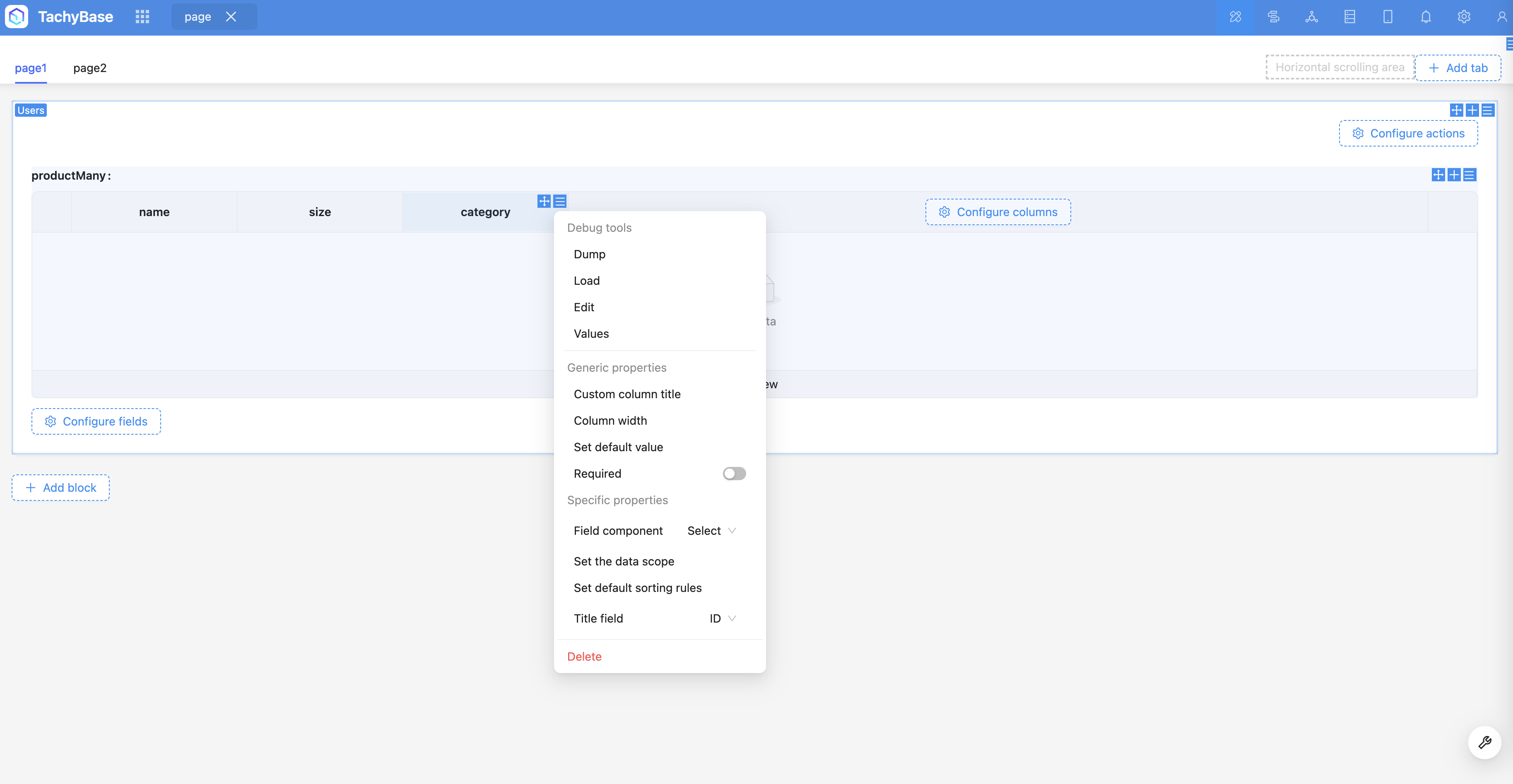
- Relationship Fields Example: User (one-to-many) > Product (one-to-many) > Category.
-
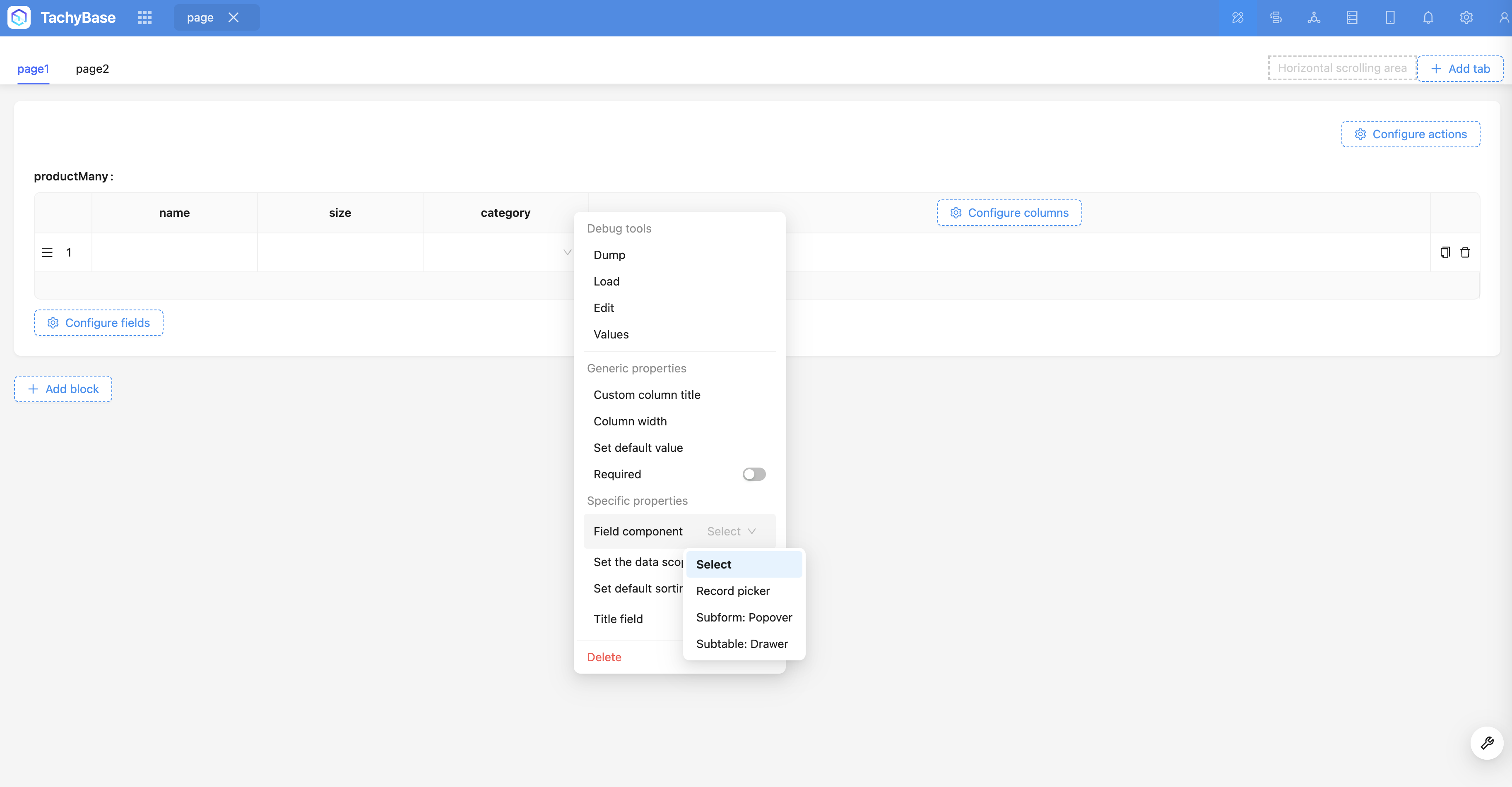
Field Component Relationship field component defaults to dropdown selector, but also supports other components such as data picker or sub-form (popover).
-
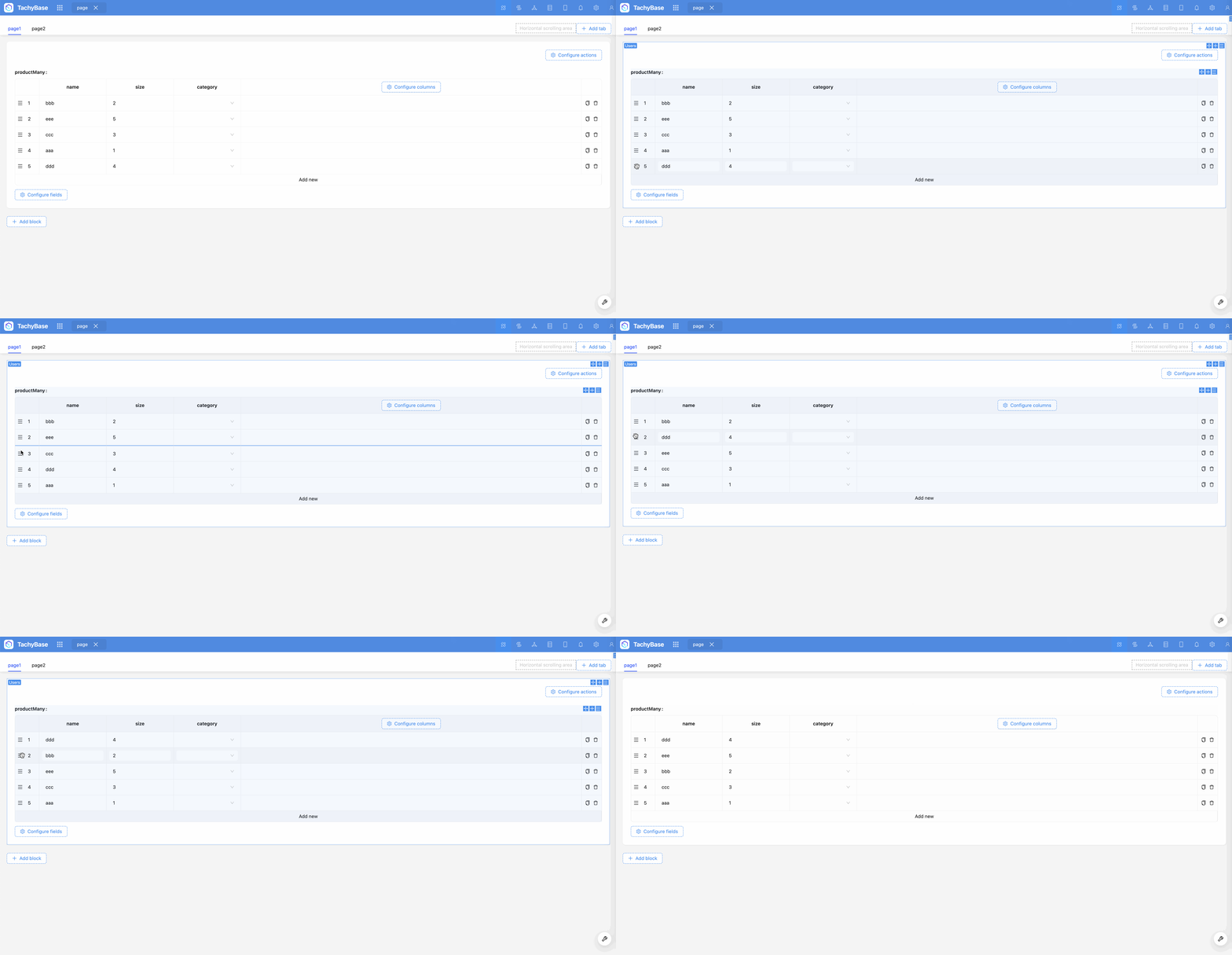
Drag and Drop Sorting Supports drag and drop sorting of data within sub-table.
Field Configuration Items
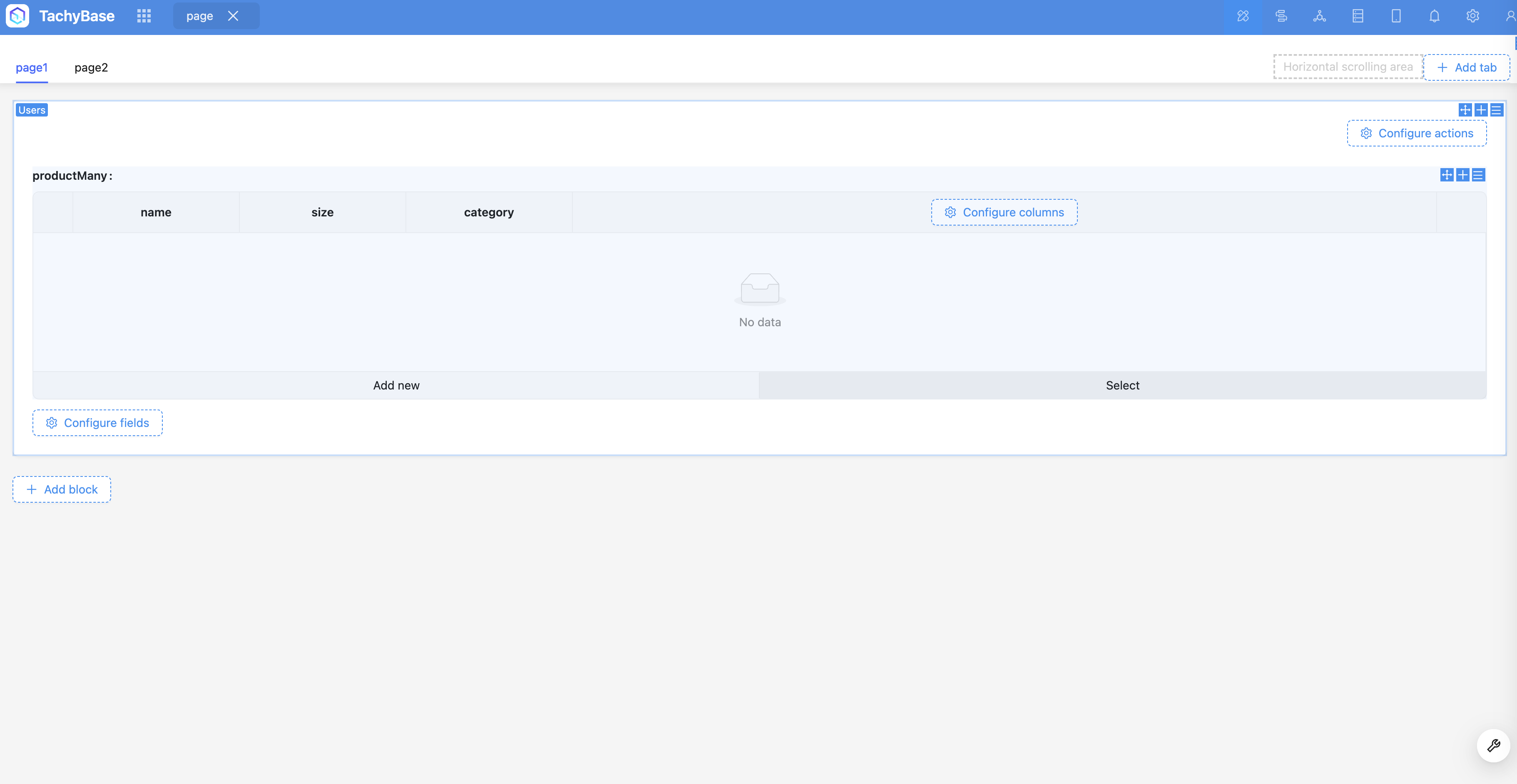
Allow Select Existing Data (not enabled by default)
Can select and associate data from existing data.
Field Component
Supports switching to other relationship Field Components, such as dropdown select, data picker, etc.
Total visits times Total visitors times Total reading times. Powered by Tego Team